Your sales team is now two specialists you can talk to — one to find and reach prospects, one to know the competition cold — coordinated by Violet so the right one handles each job.

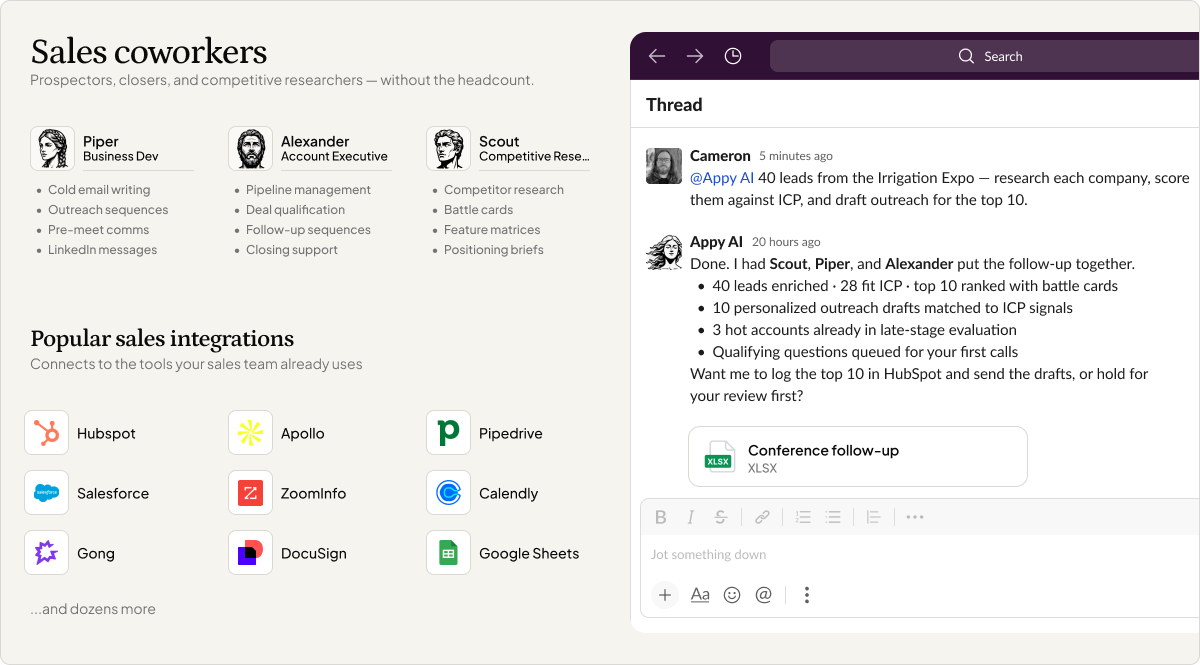
Selling is two jobs that pull in opposite directions. One is outward: finding the right people and reaching out in a way that doesn't get deleted. The other is inward-facing homework: knowing your market, your rivals, and why someone should pick you. Most owners are decent at one and dread the other, so the dreaded half never happens.
So we built sales as both specialists. You don't decide who does what. You tell Violet what you're trying to win, and she brings in the right one.
Here's the team.
Key Takeaways
Piper is your business development specialist. She handles the front of the funnel: finding people worth reaching, learning enough about them to be relevant, and writing the cold email or sequence that actually earns a reply.
So outreach stops being a copy-paste blast you're embarrassed by. Tell Piper who you want to reach and she researches the prospect first, then writes a message built around what they care about — not a template with the name swapped in. Ask for a follow-up sequence and she'll write the whole arc, so a quiet inbox doesn't kill the deal.
Scout is your competitive researcher. He does the homework that makes you sharp in a sales conversation: how you compare to the alternatives, what to say when a prospect names a rival, where you win on price and where you don't.
So you walk in knowing the answer before the question lands. Ask Scout for a battle card on a competitor and he'll lay out the real differences and the lines that hold up. If the information isn't there, he tells you that — Scout works from real data and won't fabricate a number to make the picture look tidier.
Do I choose between the two sales agents?
No. Tell Violet what you need and she routes it — outreach to Piper, competitive intel to Scout.
Will the outreach feel personal or generic?
Piper researches each prospect before writing, so the message is built around who they are, not a template with the name dropped in.
Can the team tell me how I compare to a competitor?
Yes. Scout builds comparisons and battle cards covering real differences, pricing, and the lines that hold up in a conversation.
What if the competitive data isn't available?
Scout tells you. He works from real information and won't invent numbers to fill a gap, so what you get is something you can actually stand behind.
Selling was always two jobs, and the homework half is the one that usually slips. Now it's a team you can brief in plain words, with Violet making sure the right one gets to work. Learn more in the Help Center