Connecting your agent to the tools you already pay for is now a quick sign-in — no developers, no setup project.

Picture the last time you wanted your agent to send an email from your real inbox, or pull a contact straight from your CRM. In the old way of doing things, that's where the wall went up: API keys, developer time, a string of setup steps nobody who runs a business ever wanted to think about. So you closed the tab and did it by hand. Again.
That's how you end up as the connector. You copy a contact out of one tool and paste it into another. You move an update across by hand, because none of your apps actually talk to each other.
What if connecting an app was as easy as signing in? For most tools that's all it is — a quick, secure sign-in, and your agent can use that tool for you. A few apps ask you to paste in a key from their settings, but there's no code and no developer in the loop. You grant permission, and the work starts flowing.
Key Takeaways
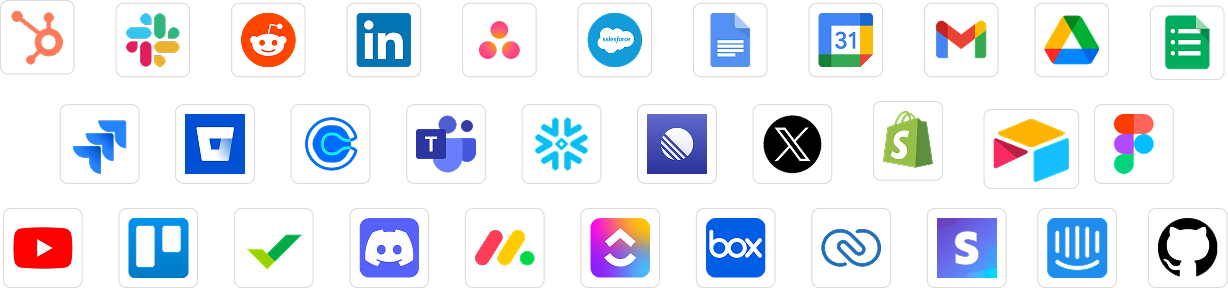
A quick sign-in is all it takes. For most apps, a simple secure sign-in links your agent to the same email, calendar, CRM, messaging, and document tools you already rely on. You approve the connection the way you'd approve signing into any service you trust, and you're done. A few apps ask for a key from their settings instead — paste it once and you're connected.
There's nothing to install and no settings to wrestle. The connection is handled for you. The gap between "I wish my agent could use this" and "my agent is using this" closes in about the time it takes to log in.
Each person connects their own accounts. When you link a tool, your agent acts as you — with exactly the access you granted and nothing more. Your teammate's connections stay theirs. Yours stay yours. The agent respects both.
This is what makes it safe to hand over real work. The agent isn't running off some shared, all-powerful login. It works through your actual account, with your actual permissions, the same way you would if you sat down and did it yourself.
Once a tool is connected, your agent uses your live accounts to do the job. It reads and sends from your email, checks your calendar, updates your CRM, pulls from your documents. It works with the real thing, not a stale copy. The information stays where it lives, and your agent goes to it directly.
How many apps can I connect?
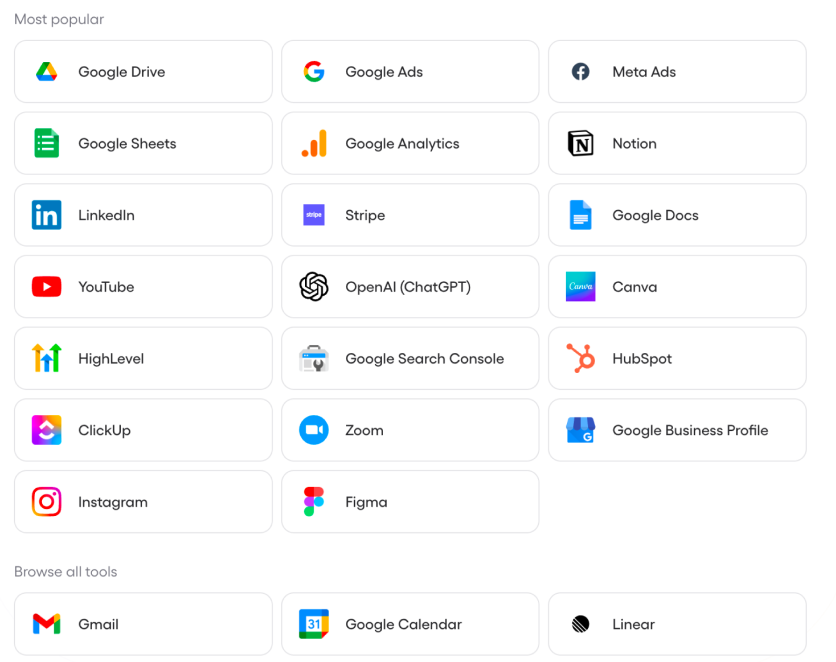
Hundreds — across email, calendar, CRM, messaging, documents, and more of the tools businesses run on every day.
Do I need a developer or API keys?
No developer, ever. Most apps connect with a one-click, secure sign-in. A few ask you to paste an API key from their settings — a one-time copy-paste, no code or setup project.
Does each person connect their own accounts?
Yes. Each teammate signs in to their own accounts, so the agent acts as them with the right permissions. Or you can set it to be available for your organization as well.
Is the agent limited to what I approve?
Yes. It works through your real account with exactly the permissions you've granted, and nothing beyond them.
Stop being the bridge between your tools. Learn more in the Help Center