Your agent can now act the moment something happens in your connected apps — before anyone thinks to ask.

You know that pile of work that only happens because you remembered it? A new lead fills out your contact form, and someone has to follow up. An invoice email lands, and someone has to file it. A deal moves a stage in your CRM, and someone has to send the next note. The work is predictable. It still waits on a person to notice and start it.
That's the gap. The event already happened. The response just hasn't begun, because it's parked behind someone's attention.
What if your agent reacted to the event itself? The lead submits the form, and the follow-up is already drafted. The invoice arrives, and it's already filed. Nothing waits on memory, because nobody has to remember.
Key Takeaways
Your agent reacts to real events instead of waiting for a prompt. A new email arrives. A form gets submitted. A CRM record changes. A calendar event is created. When any of these happen in an app you've connected, the agent springs into action on its own. The event is the trigger, and the response is immediate.
Work stops piling up. Instead of a queue you'll get to later, each event is handled as it happens — quietly, in the background, while you stay on the work that actually needs your head. The new sign-up gets its welcome reply at 11pm. You find out in the morning that it was already done.
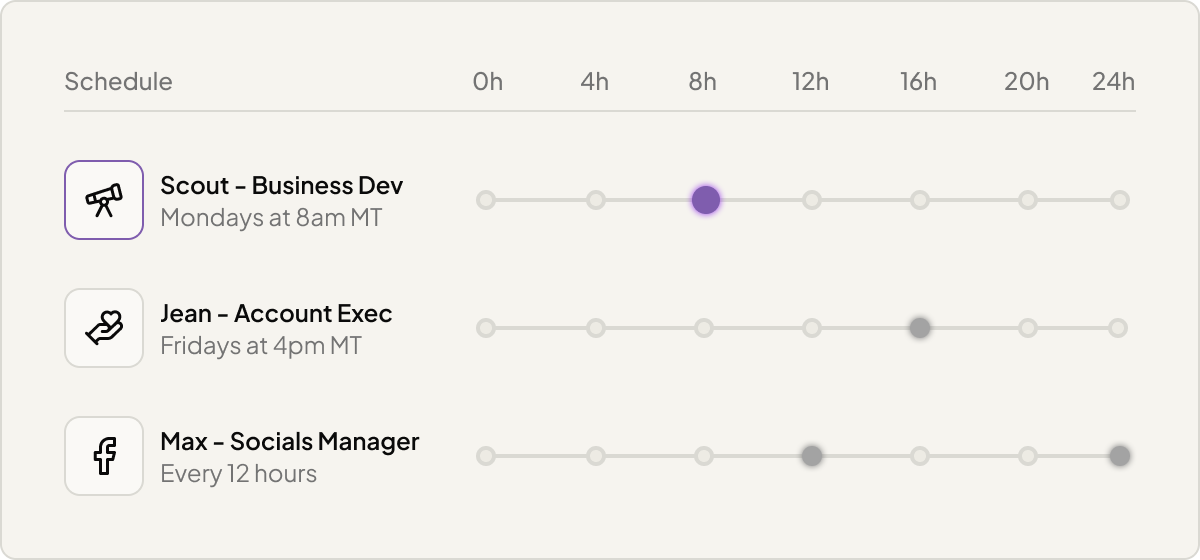
Some work runs on a clock, not on an event. You can schedule your agent to run on a repeating rhythm — every weekday at 8am, every Monday before your team meeting, the first of every month. You can also set a one-time run for a moment you know is coming.
So the morning numbers, the Friday roundup, the end-of-month wrap-up: each one just happens. Set the schedule once, and the agent shows up on time. Every time.
Inbound webhooks let other systems kick off the work. If a tool in your stack can send a request when something happens, that request can start your agent. Your agent becomes a piece you wire into the workflows you've already built, reacting to events from wherever they come from.
What kinds of events can trigger an agent?
A new email arriving, a form being submitted, a CRM record changing, a calendar event being created — events like these, from the apps you've connected.
Can an agent run on a schedule instead of an event?
Yes. You can set it to run on a recurring rhythm, like every weekday at 8am, or as a one-time run at a specific future time.
What is an inbound webhook trigger?
It's a way for another system to start your agent by sending it a request when something happens on that system's side.
Do I need a developer for this?
No. You set up triggers by talking it through with Violet, your building partner — choosing the event, schedule, or webhook that fits the job.
Stop being the thing your work waits on. Learn more in the Help Center