Describe the scene or the goal and your agent produces video you can use — no production crew, no editing suite.
You want a short video for the launch next week. A quick promo, maybe a teaser, something for social. Then the list of what it takes sinks in: gear, footage, an editor with a hundred buttons, and an afternoon you don't have to spare. So the video slides onto the someday pile, and you post a block of text instead.
Video is the format people actually stop scrolling for. It's also the one that feels furthest out of reach when it's just you running the business.
What if you could make it by describing it? You tell your agent the scene or the goal, and it produces a clip you can really use — no shoot to book, no editor to learn.
Key Takeaways
Your agent turns a description into usable video. Tell it the scene, the mood, the message, and it generates the clip. There's no camera to set up, no crew to schedule, no timeline of clips to wrangle into shape. The thing that used to demand a shoot and an edit now starts with a sentence about what the video should be.
That lowers the bar enough to actually do it. When a promo is a request instead of a week-long project, video stops being the thing you skip and starts being something you ship.
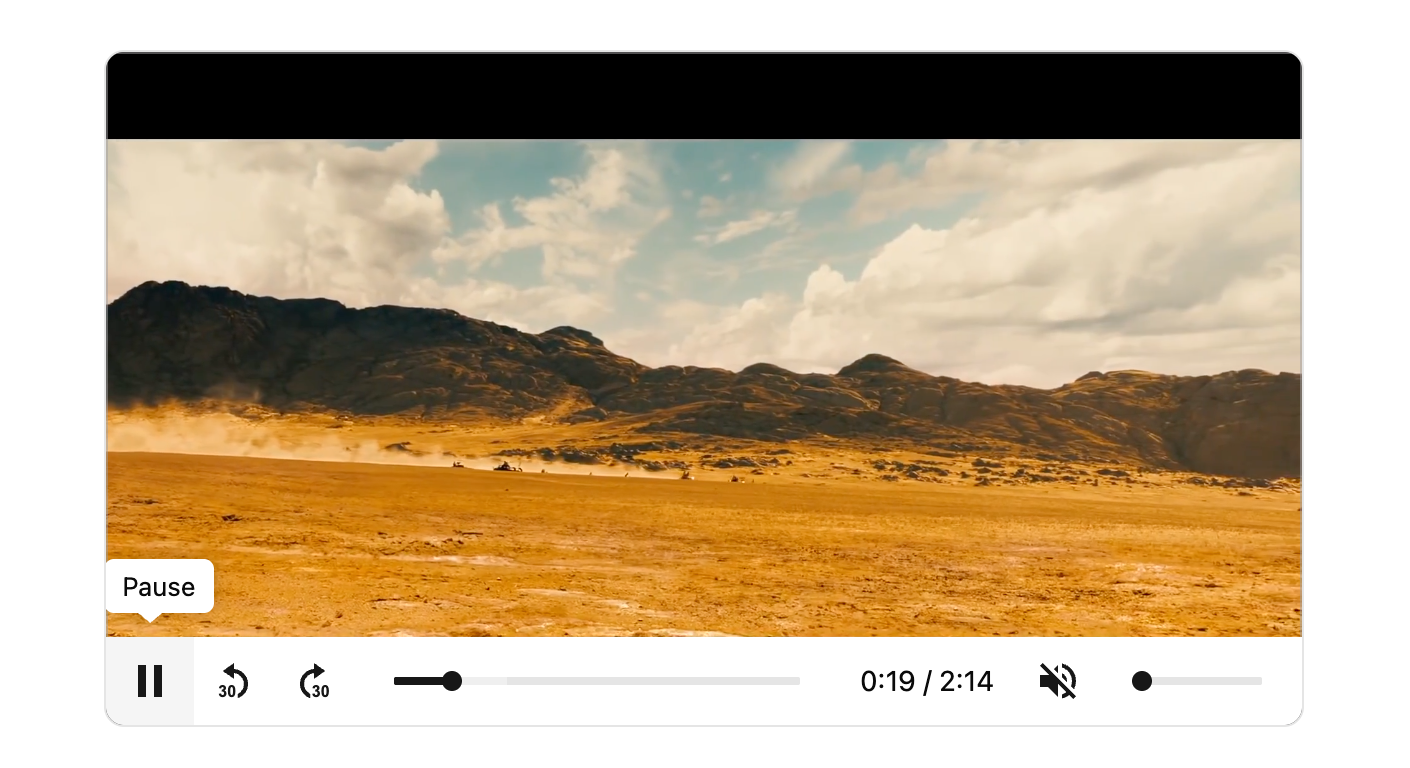
You describe the scene and your agent generates the clip — up to about eight seconds, the right length for a promo, a teaser, or a piece of social content. Want it different? Describe the change and it generates a fresh clip. There's no camera to set up, no crew to schedule, no timeline to wrangle.
The everyday jobs are covered. A short promo, a product teaser, a piece of social content — all of it happens without you ever opening editing software or hunting for the right button.
Your agent treats the first clip as a starting point, not the final word. Watch it back, and if the scene feels off or the message isn't landing, you say so in plain words. Want a different scene or a new line? Ask, and it generates a fresh clip to match. You direct; it does the work.
Do I need any video or editing skills?
No. You describe what you want and your agent produces the video. There's no editing suite to learn.
How long are the clips?
Short — up to about eight seconds, which suits a promo, a teaser, or social content. For a change, your agent generates a new clip rather than editing the old one.
What kinds of video can it make?
Short clips, promos, social content, and product teasers. Describe the goal and your agent handles the rest.
Can I ask for changes after the first clip?
Yes. Tell your agent what to adjust — a different scene, a new message — and it generates a fresh clip to match.
Video was the format you kept putting off. Now it's the one you can make in a sentence. Learn more in the Help Center