

Ask once, or set it weekly. Violet plans the week around your business and texts the posts as one grid. Say yes and each goes up on its day.
Text Violet in iMessage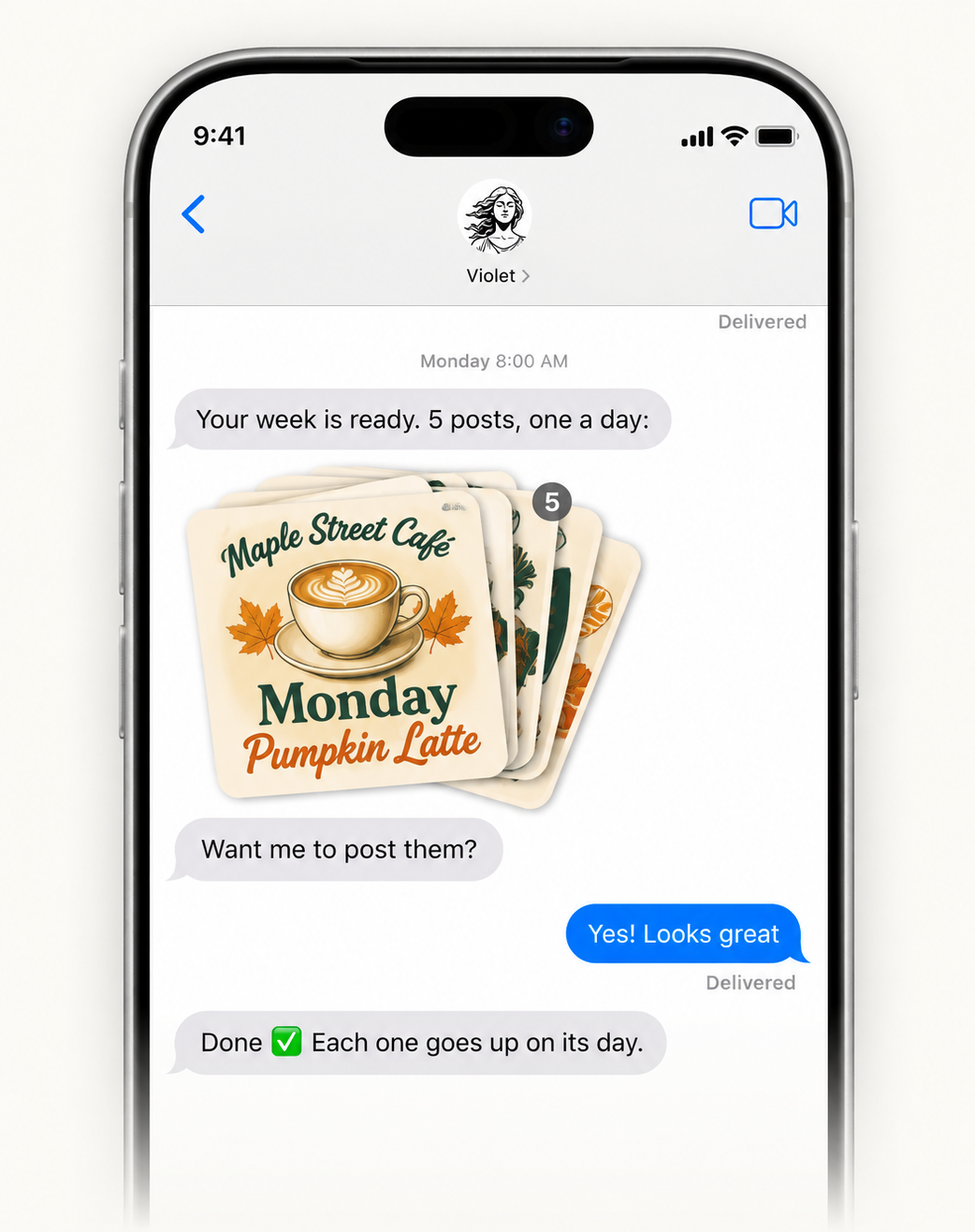
Works with social media tools you already use
 Instagram
 Facebook
 LinkedIn
 YouTube
 Reddit
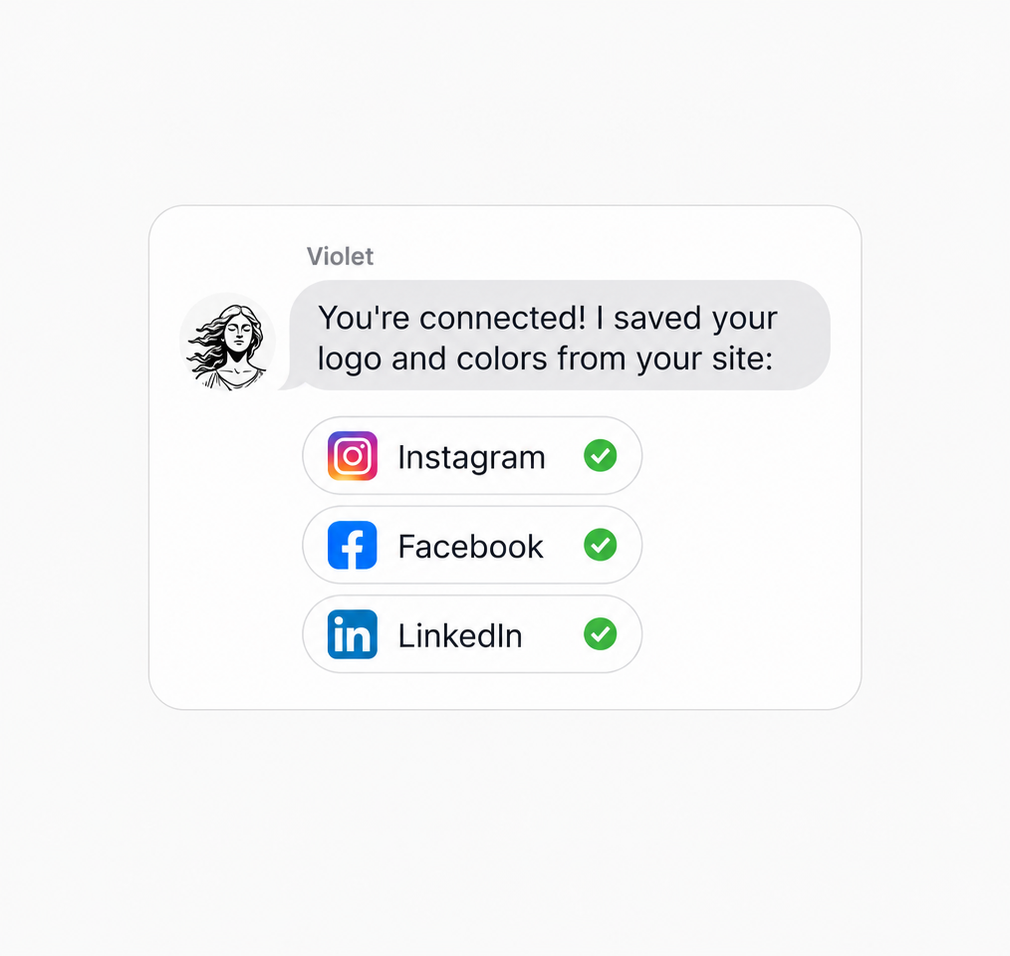
Sign up free and connect Instagram, Facebook or LinkedIn. Violet reads your site for your logo and colors.
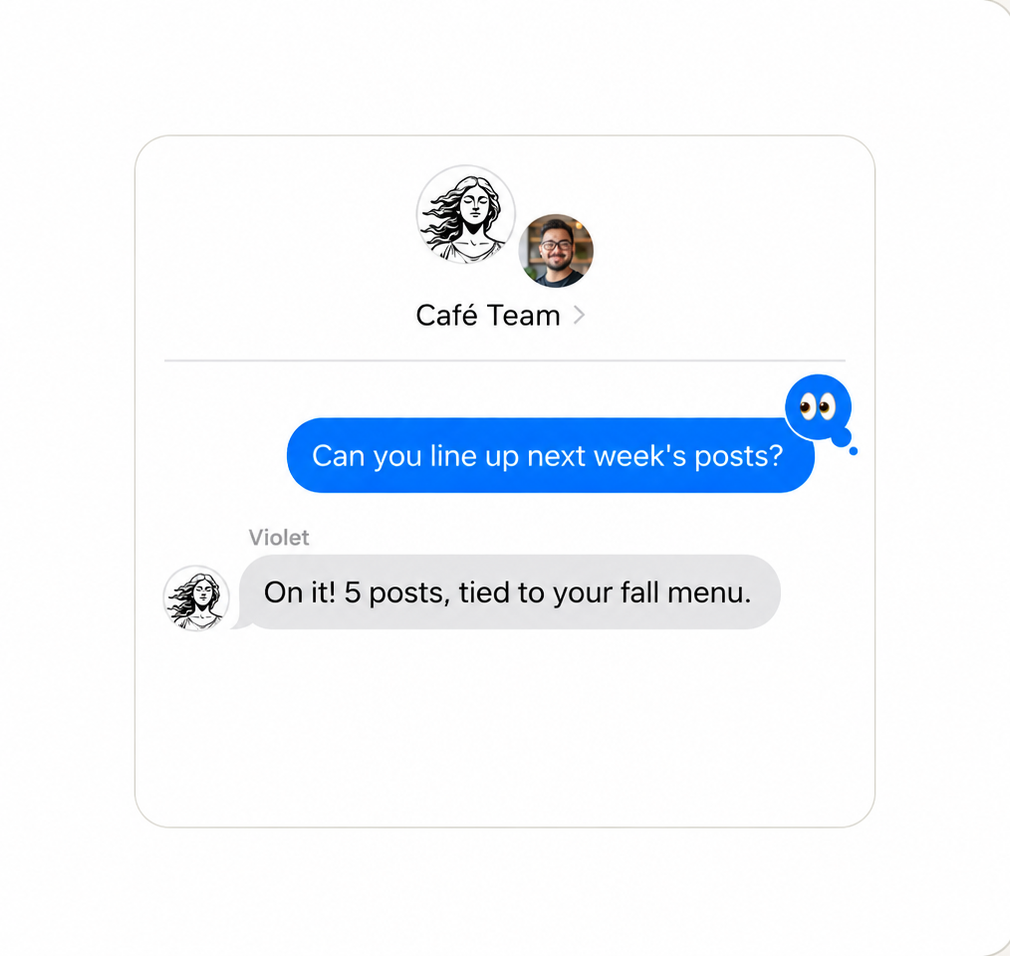
Ask in plain words: “post our Saturday sale” or “plan this week’s posts.” She texts the draft back.
Say yes and it goes up. Want it different? Just text her. Your whole feed runs from iMessage.
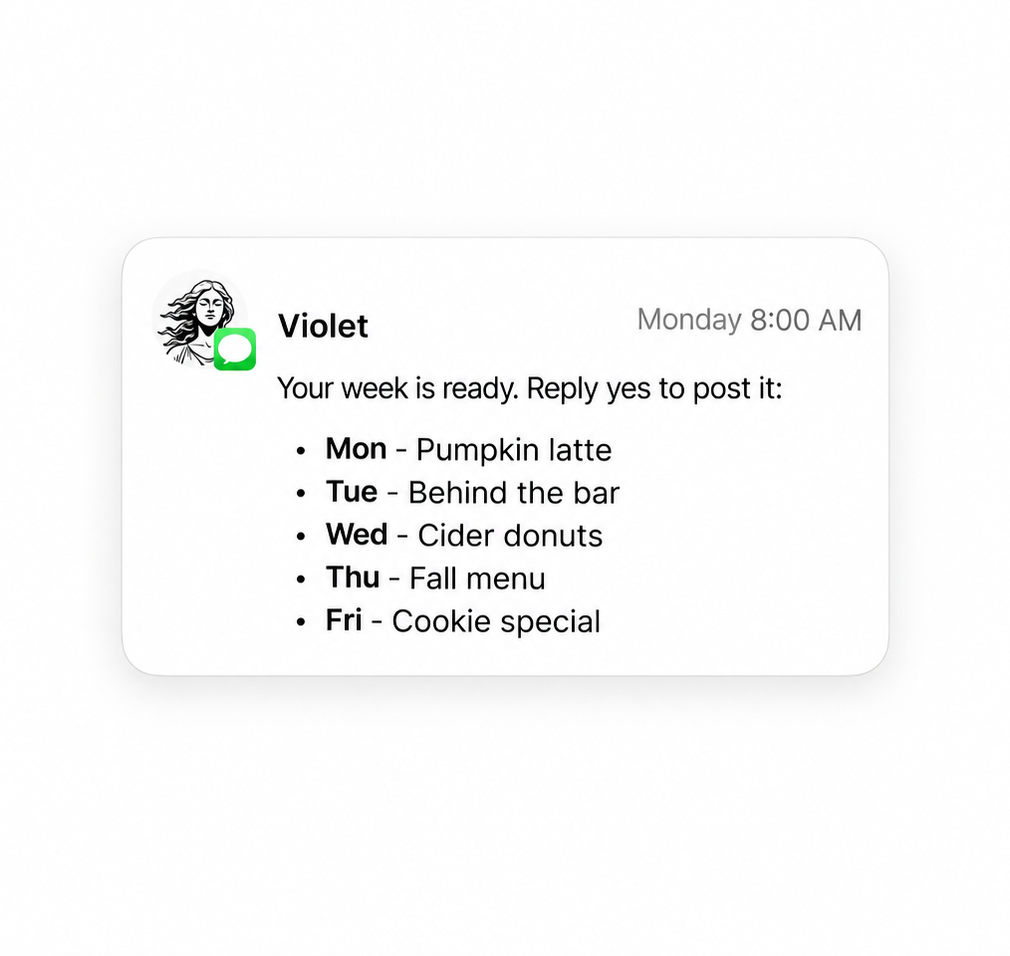
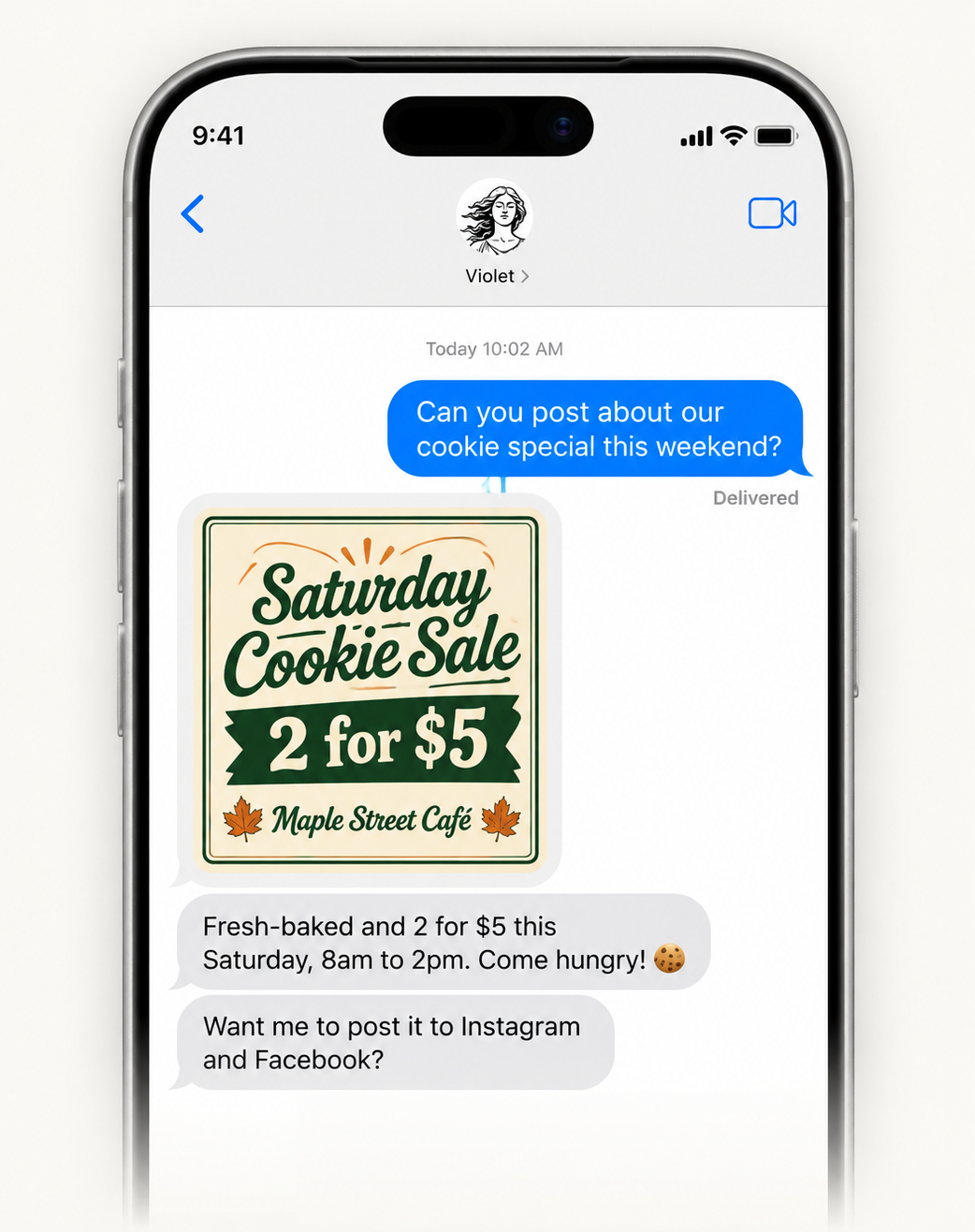
Violet makes posts in your brand, plans your week, and drafts your replies. Say yes by text and it’s posted.
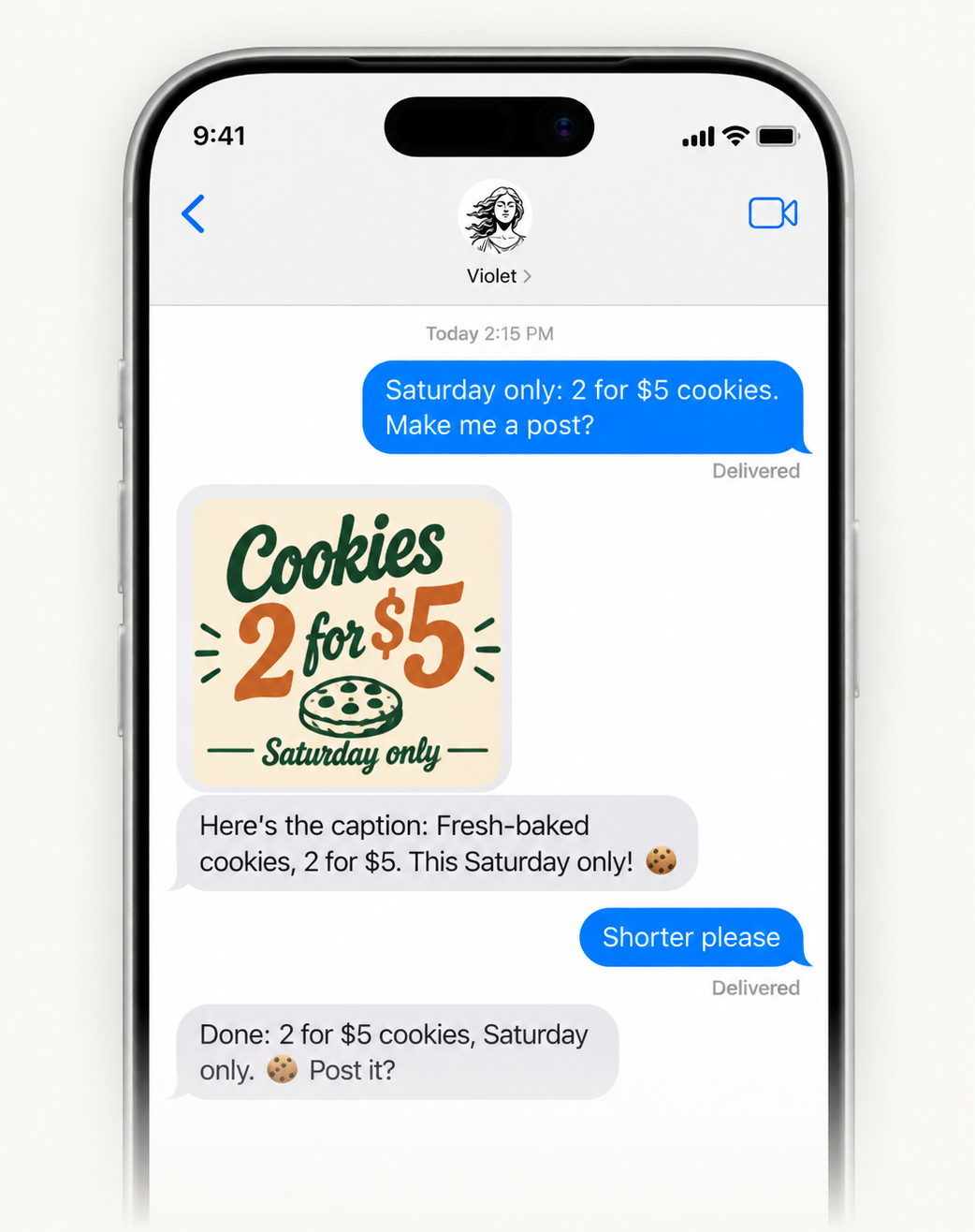
Text Violet “post our Saturday sale.” She makes it in your brand and writes the caption. You skip the design app.
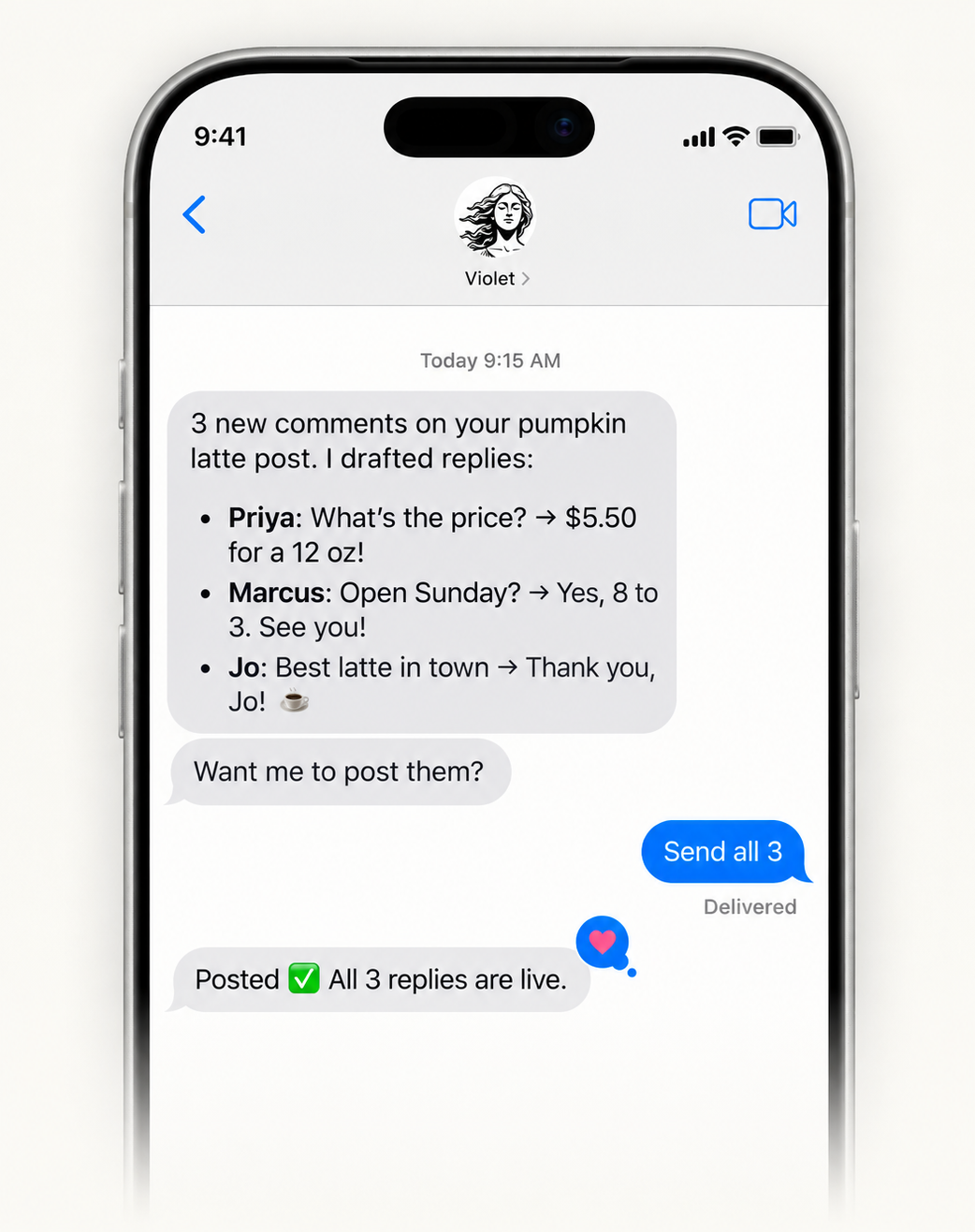
Open iMessage to new comments. Violet drafts each reply, and posts the ones you OK. Nobody left on read.
Your data is never used for model training by Appy.AI or our vetted sub-processors.
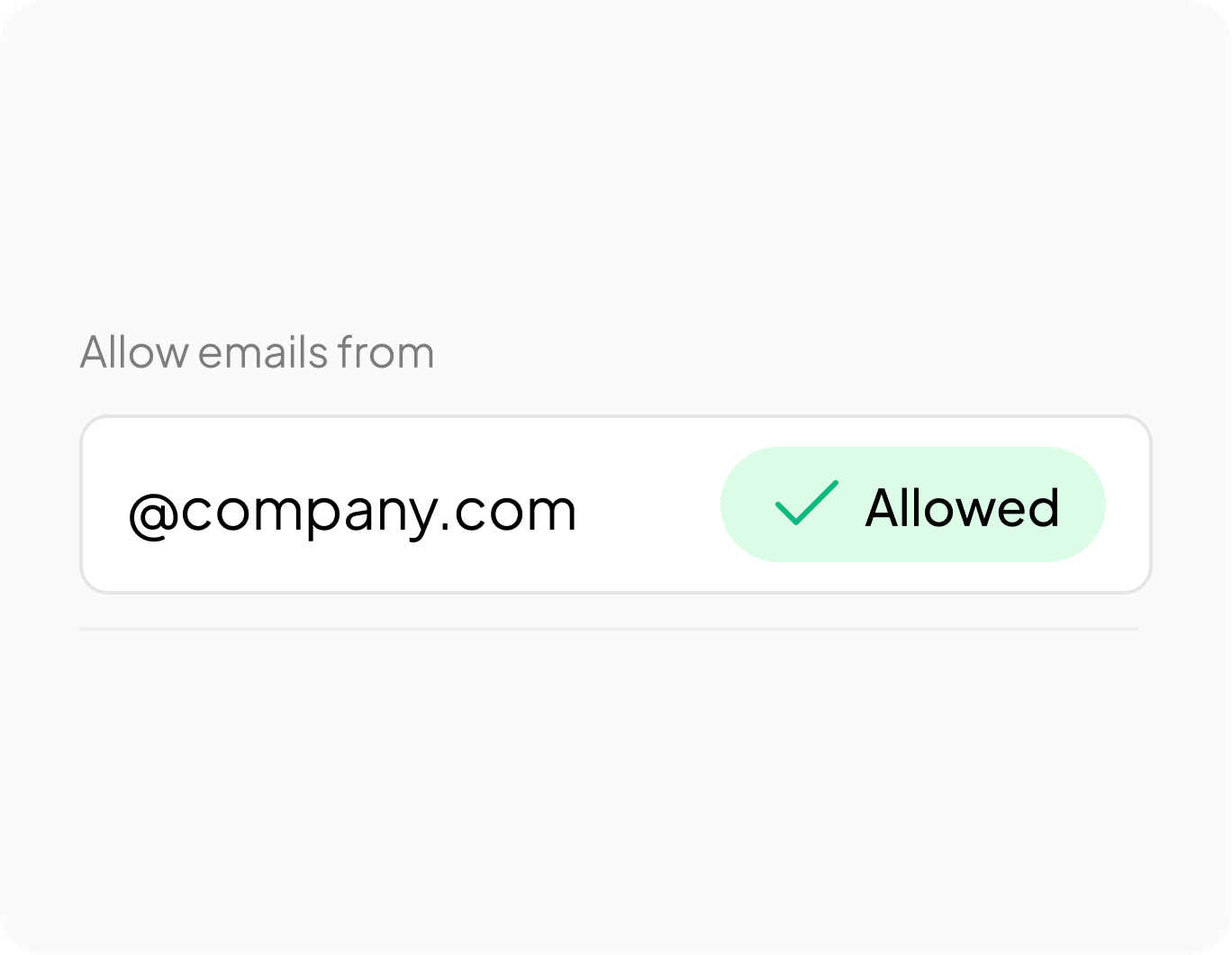
Violet answers only the domains and addresses your admin allows.
Independently audited. GDPR and HIPAA compliant. SOC2 in progress.
01/03
A scheduler or caption tool waits for you to open it. Violet starts when you ask: she makes the image in your brand, writes the caption and sends it back. Her team drafts your comment replies too.
No. Violet sends every post to you first, and she posts, schedules or replies only after you say yes. Reply with a change, like “shorter,” or tell her words you never want, and she redoes it.
A business account, yes; a website, no. Violet posts to Instagram business or creator accounts, Facebook Pages you manage, and LinkedIn. She reads a website for your logo and colors, or you can send your logo or describe your look.
Yes. Violet can write a short video, make it and add a voiceover. Most people start with image posts, because they’re the quickest.
Not directly. Violet writes posts for X, TikTok and Pinterest for you to post yourself. She posts for you on Instagram, Facebook and LinkedIn once you say yes.
Free to start, no card needed. Text Violet one thing you’d post today, and she’ll make the post.