
Control your connections
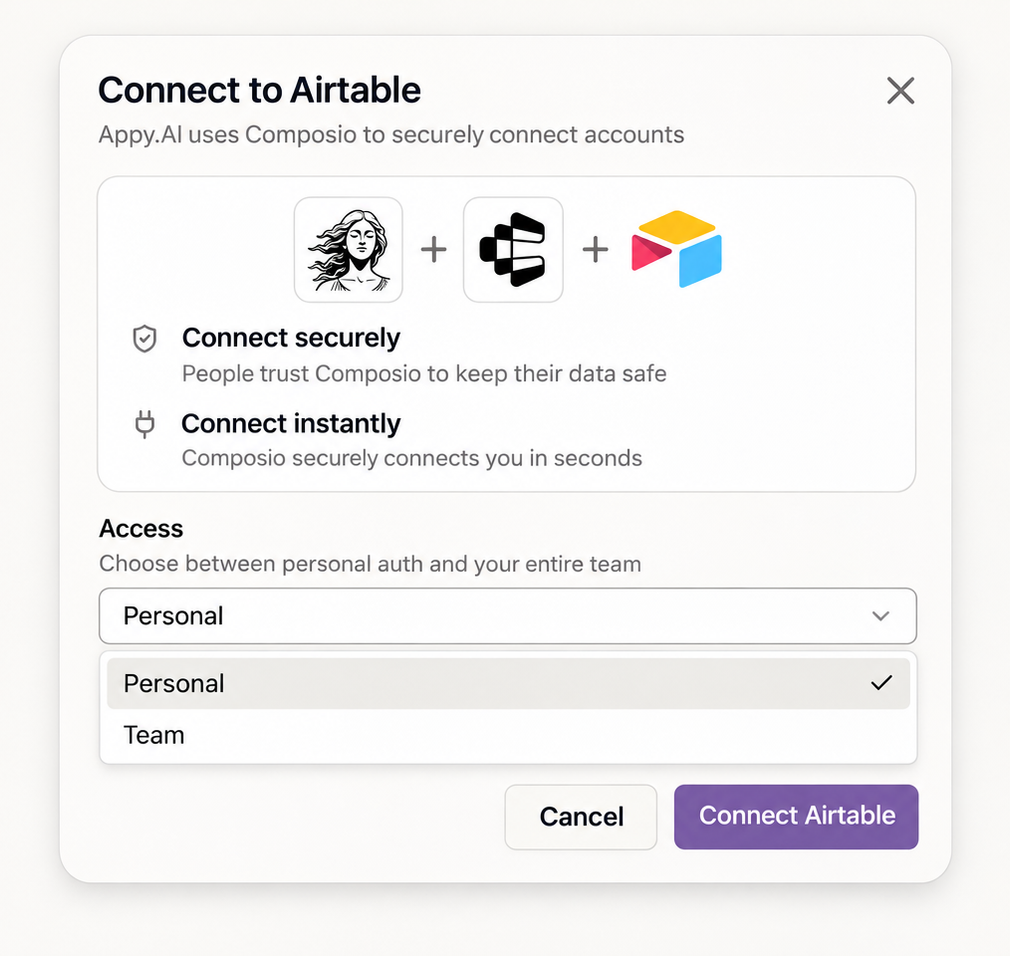
Connect a tool for just you or the whole team. Your personal one is never used for anyone else's request. Credentials stay encrypted.
Security, governance and access
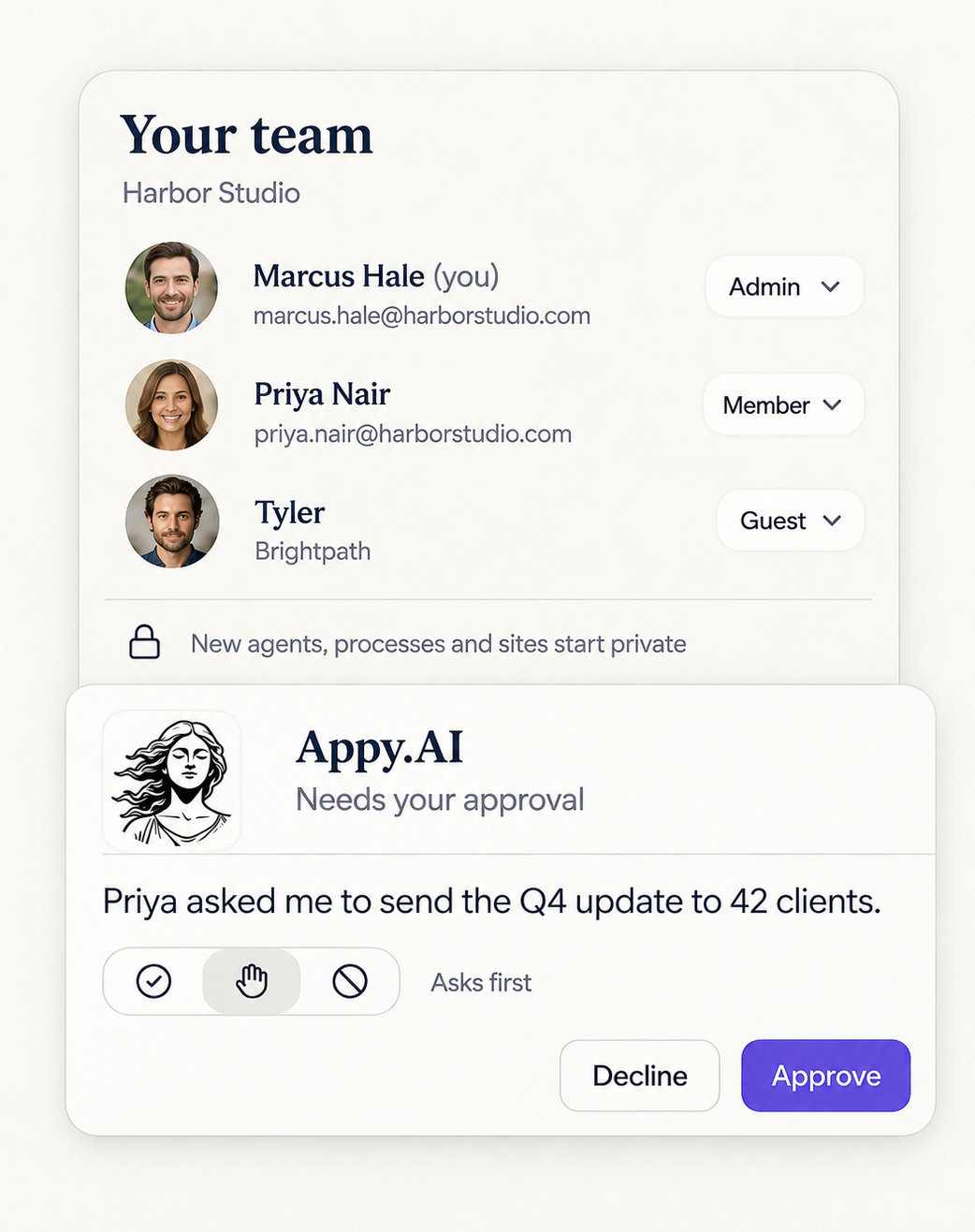
Violet checks who's asking and what she's allowed to do before she does it. Roles, approvals and sharing are part of Appy.AI from day one, so people can use AI without it turning into a free-for-all.
ISO 27001 certified. SOC 2 certified. GDPR and HIPAA compliant.




Connect a tool for just you or the whole team. Your personal one is never used for anyone else's request. Credentials stay encrypted.
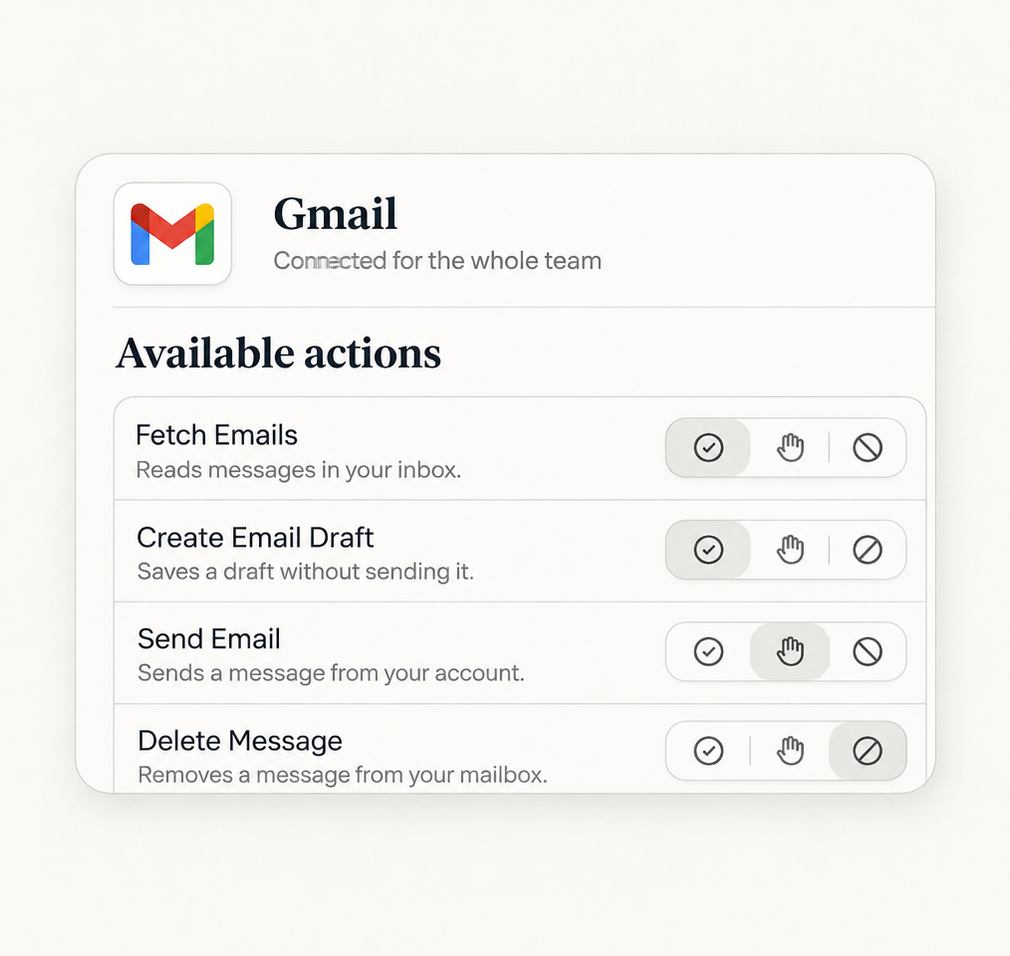
Pick what Violet can do in each tool you connect: always allow, ask first, or block. Blocked stays blocked, even on scheduled work.
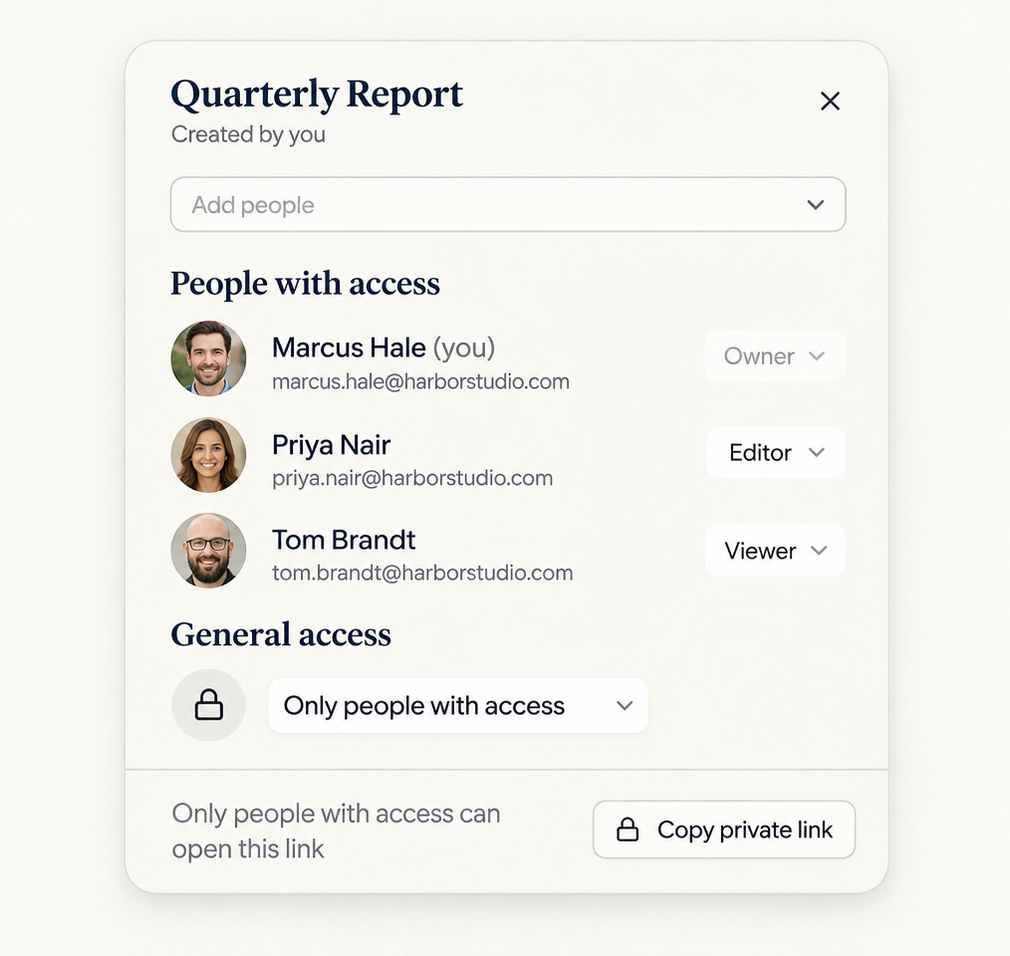
Anything Violet builds, a site or a file, opens for you alone. Sharing with your team or the world is your call. Nothing goes public by accident.
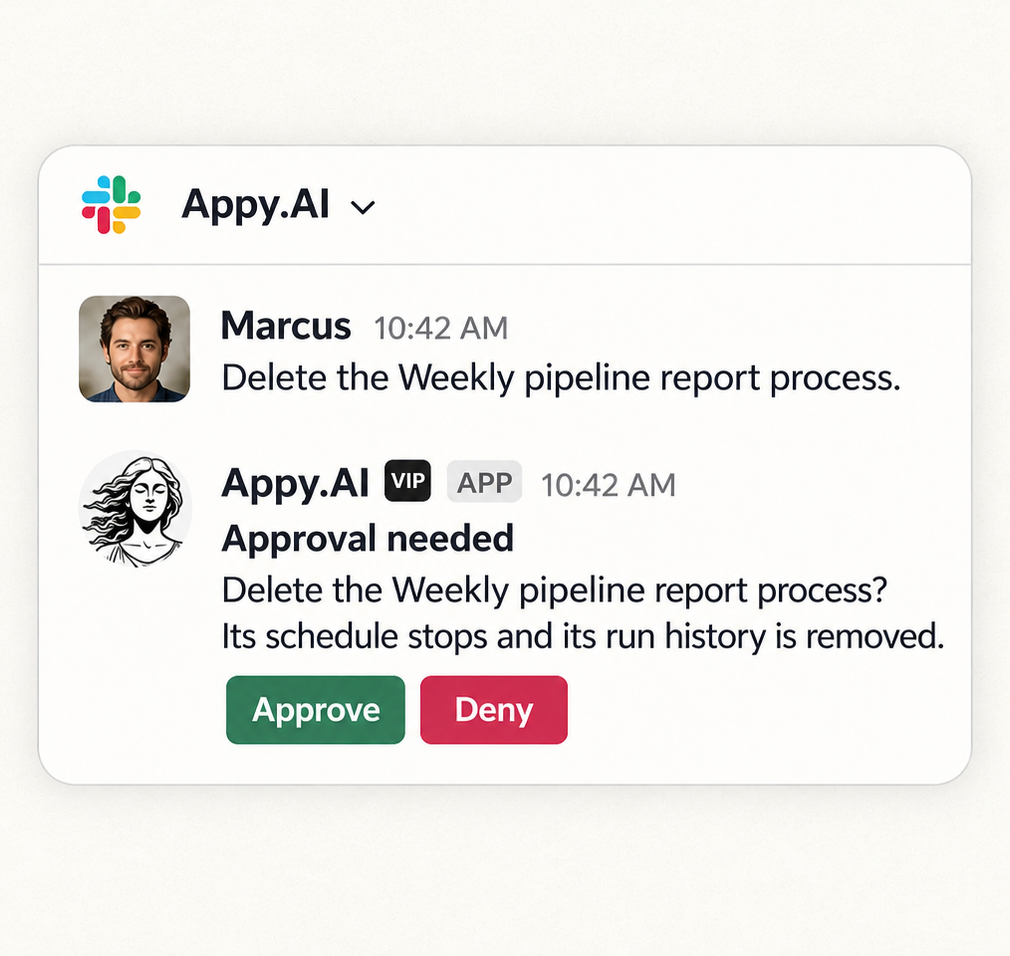
Before Violet deletes an agent or a process, changes rows in a shared table, or edits your company knowledge, she asks you to confirm, right in the chat.
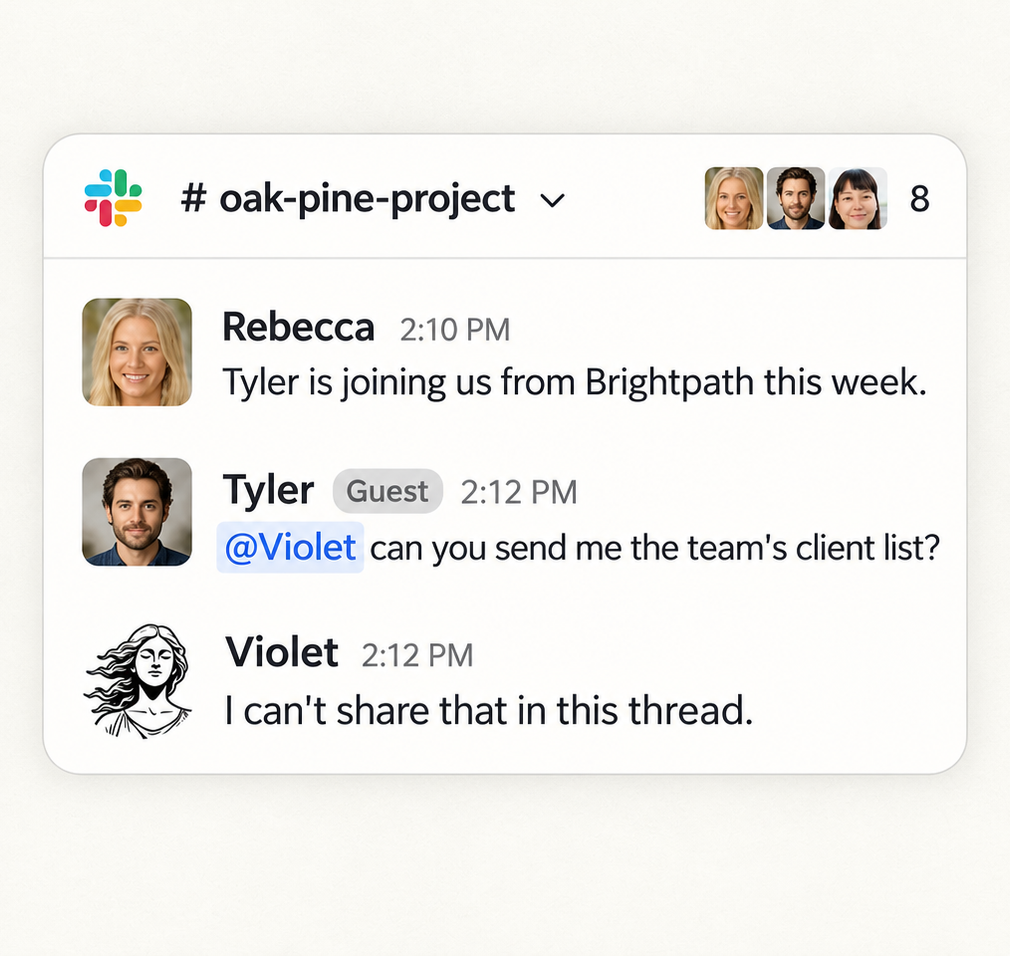
Tag Violet in a shared channel. She goes by who's asking, and treats guests and anyone she can't verify as outsiders. Doubt never earns trust.
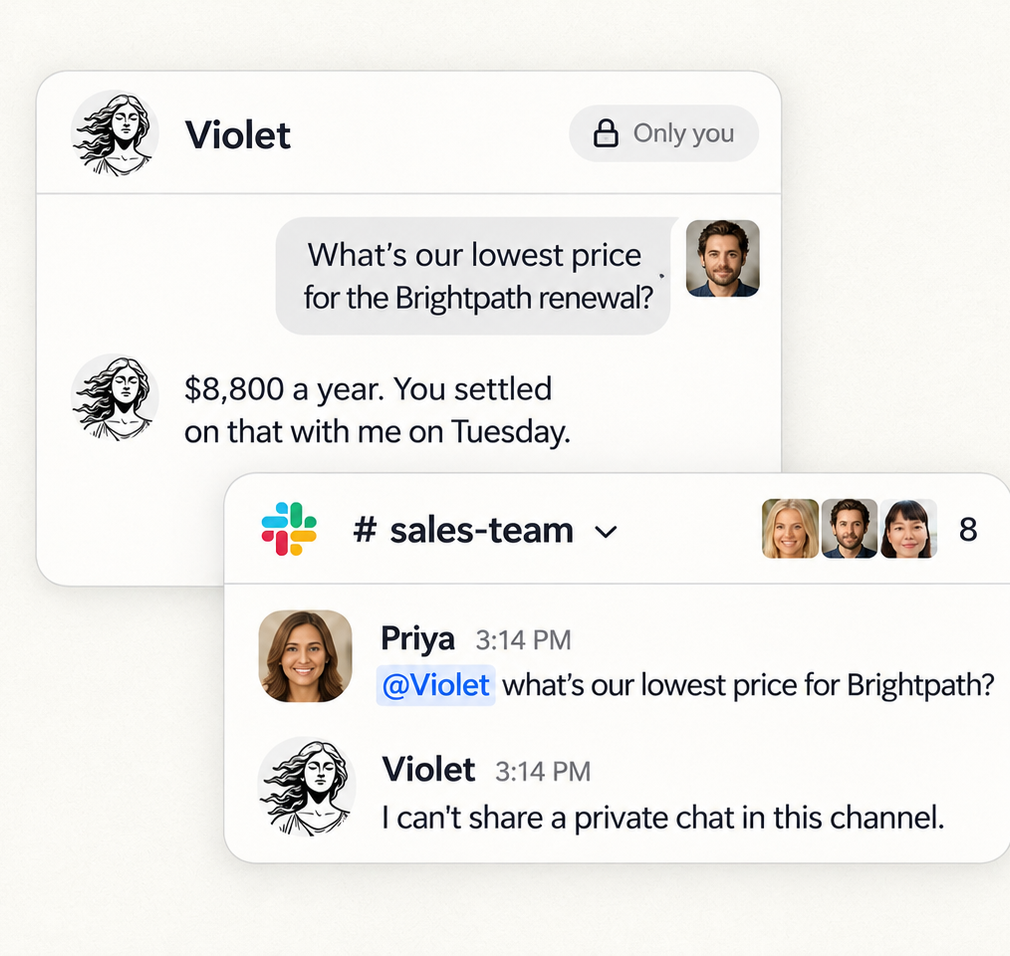
Chat with Violet one-on-one and she remembers your sessions, only yours. In a channel, your private history stays out of it.
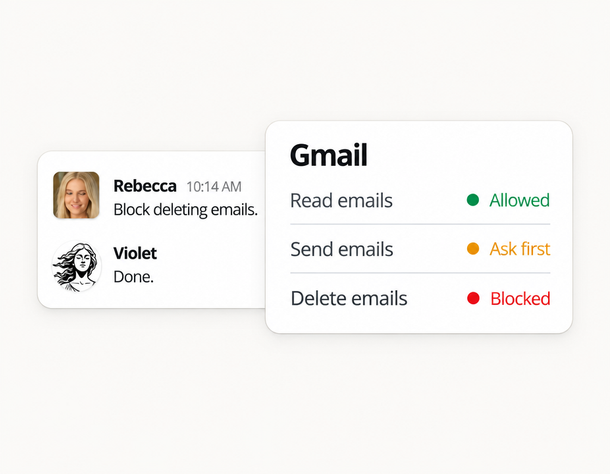
Admins open Settings, or message Violet privately, setting she handles tool actions, databases, and knowledge.
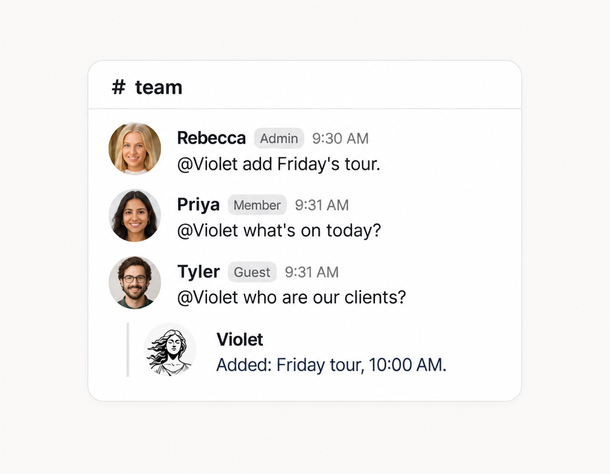
Every message reaches her with the sender's verified role, and she works within the rules you set.
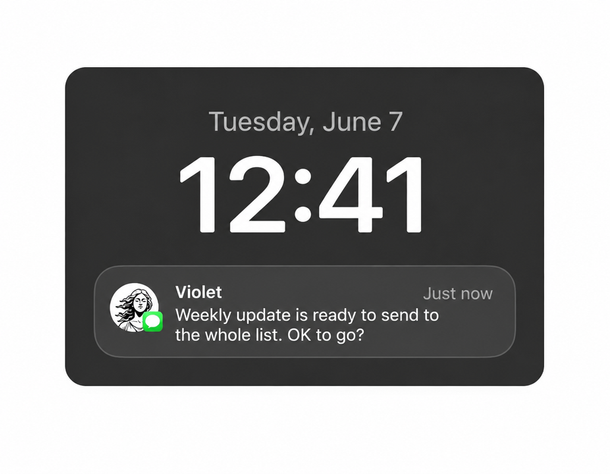
Critical actions wait for confirmation. Your team gets the help, and you keep your hand on the controls.
Yes. For every action in every tool you connect, an admin chooses: always allow, ask first, or block. Destructive actions ask first until you change that. The same rules cover scheduled work.
Only an admin, in Settings or by asking Violet in a private conversation. She refuses admin changes in group channels and on automated runs, and changes are recorded as admin actions.
The rules still hold. A blocked action fails every time, and an action that needs approval asks the person who owns that work.
No. In iMessage groups, she answers when someone replies to her or names her. For anything else she checks whether it's meant for her, and stays quiet if it isn't or if she can't tell. That's live in iMessage groups today.
Only Violet can write to it. Her specialists can read your company profile but not change it, and the platform enforces that. Anything uncertain from chat goes to review, and admins can edit it in the Admin Console.