


AI coworkers, right in TeamsAI coworkers, right in Microsoft Teams
Tag @Appy.AI in your Teams channels to run tasks, perform research, and automate your business processes—right where you already work.
Add Violet to Teams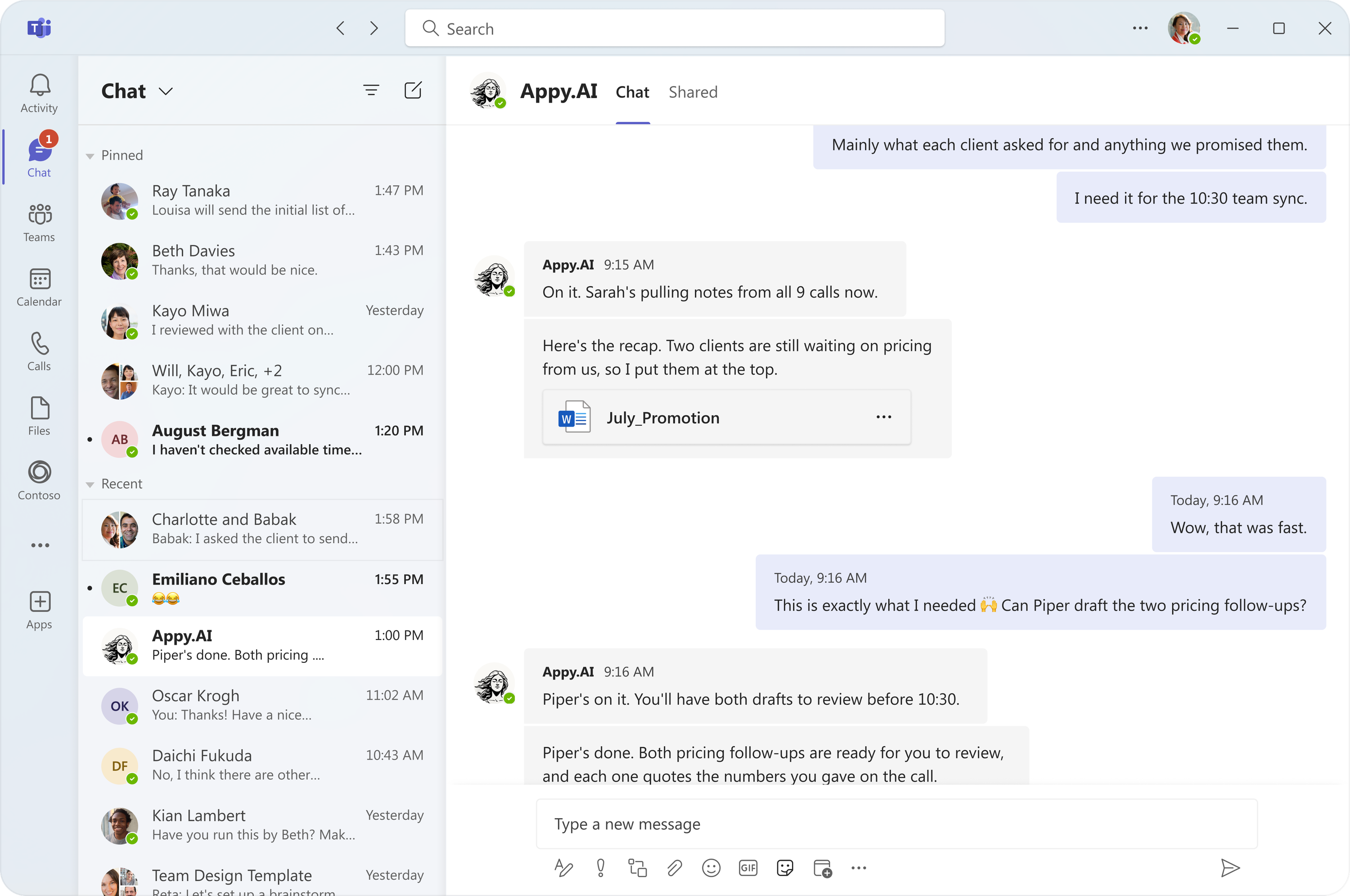
AI for every department
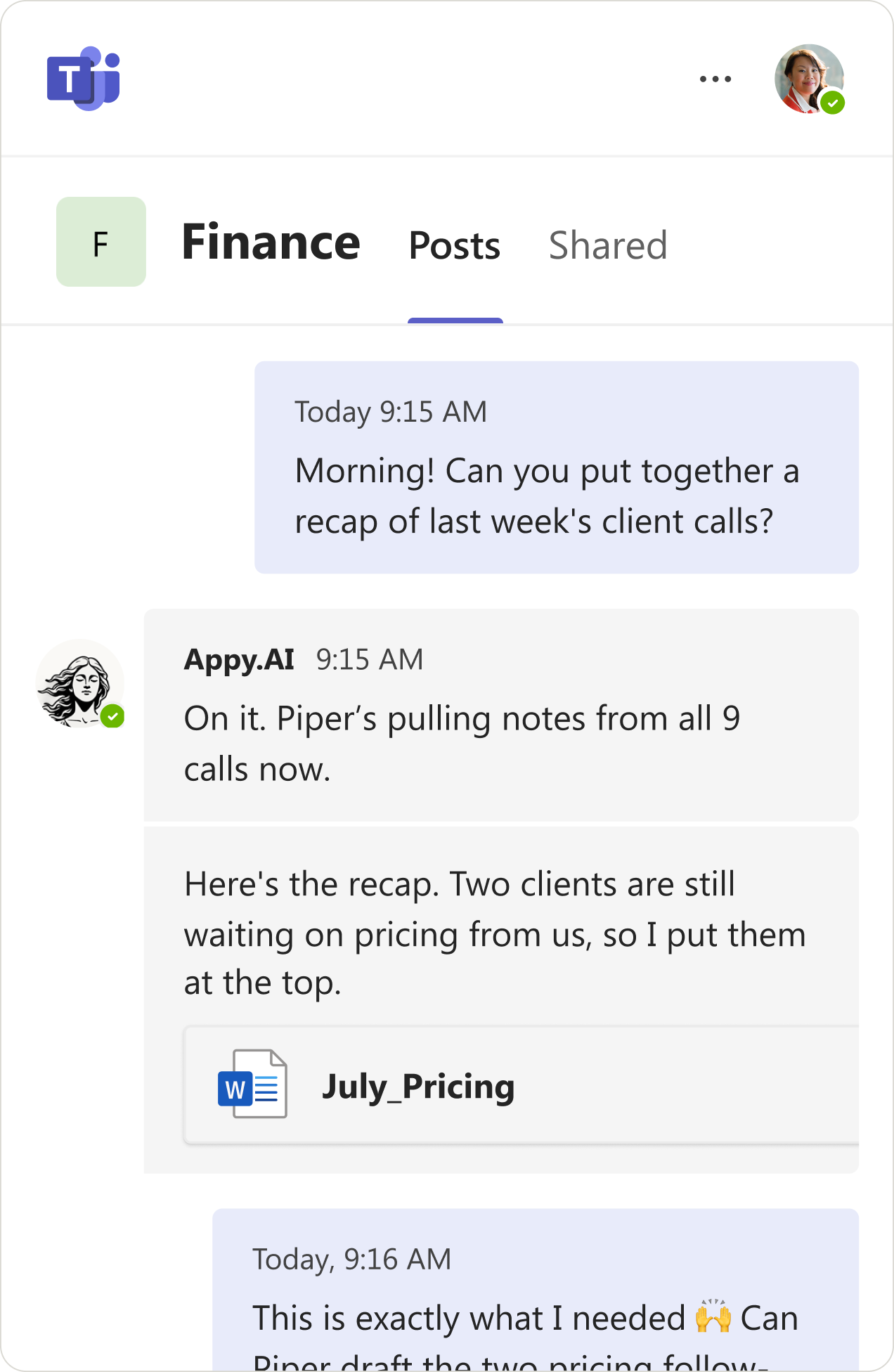
Ask for a financial forecast or a blog post. Violet hands it to a specialist. One @mention, a whole team.
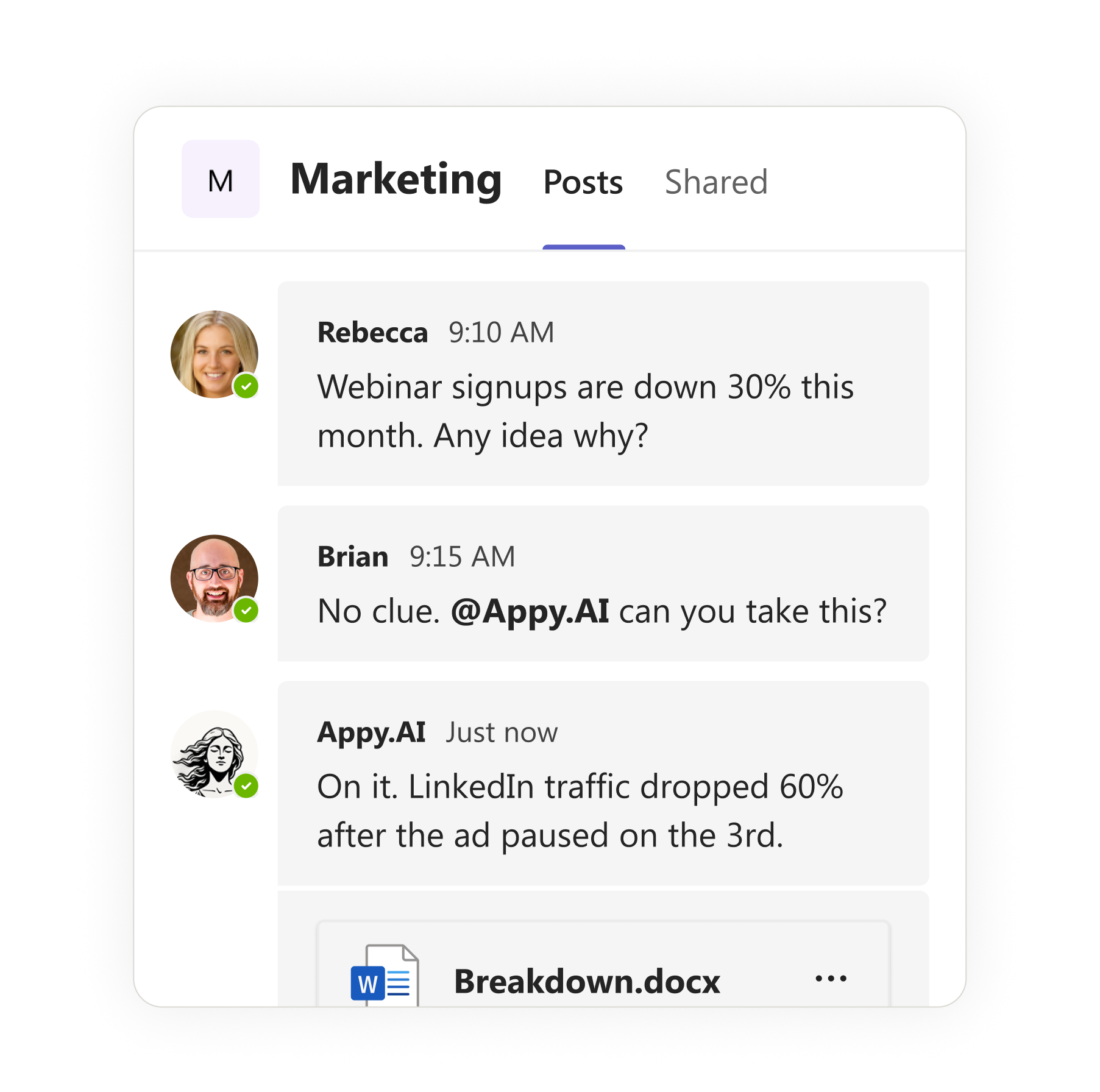
AI that's part of the conversation
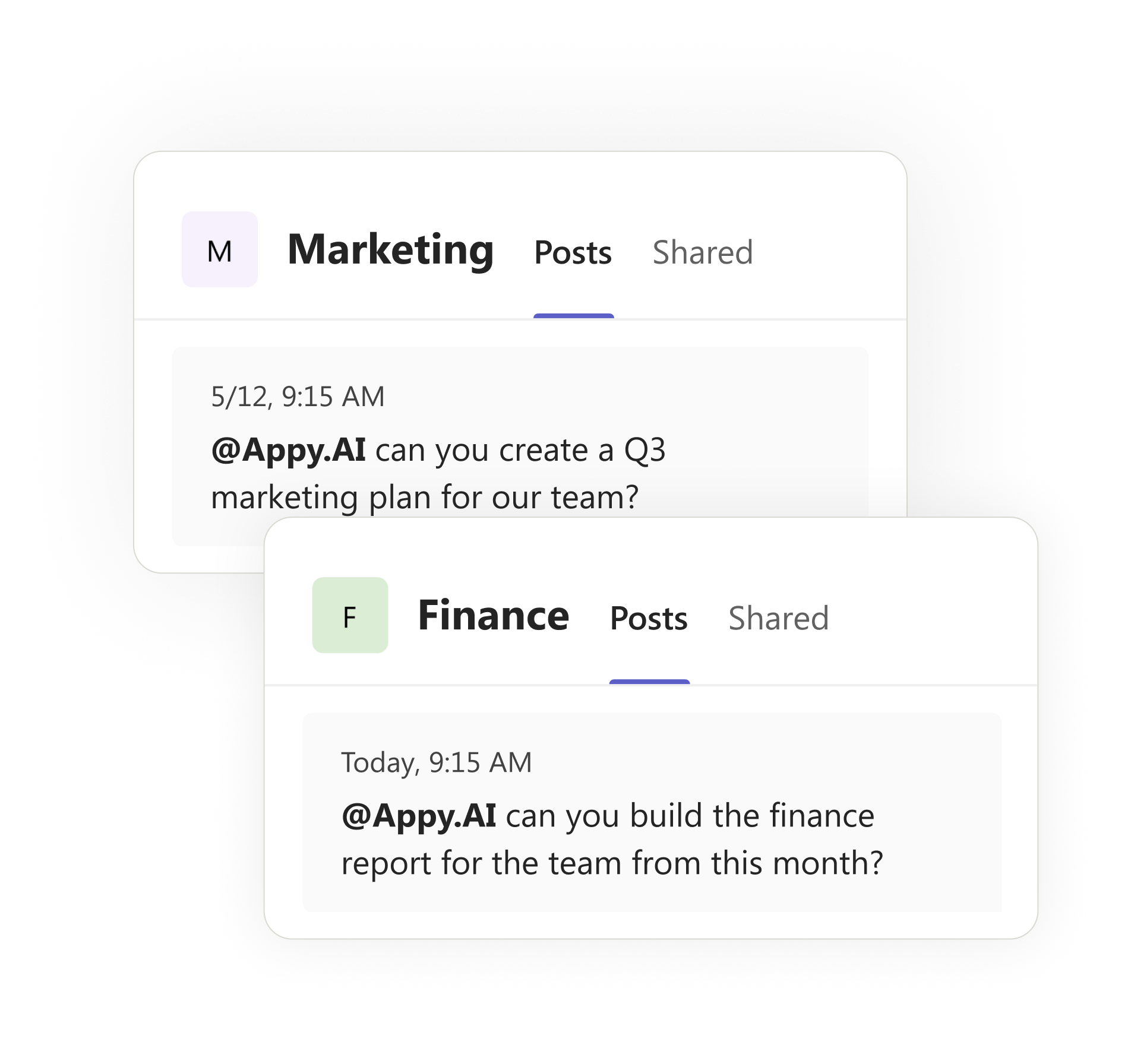
Let your whole channel weigh in. Violet hears and responds to every voice. More minds, sharper work.
AI your whole team actually uses
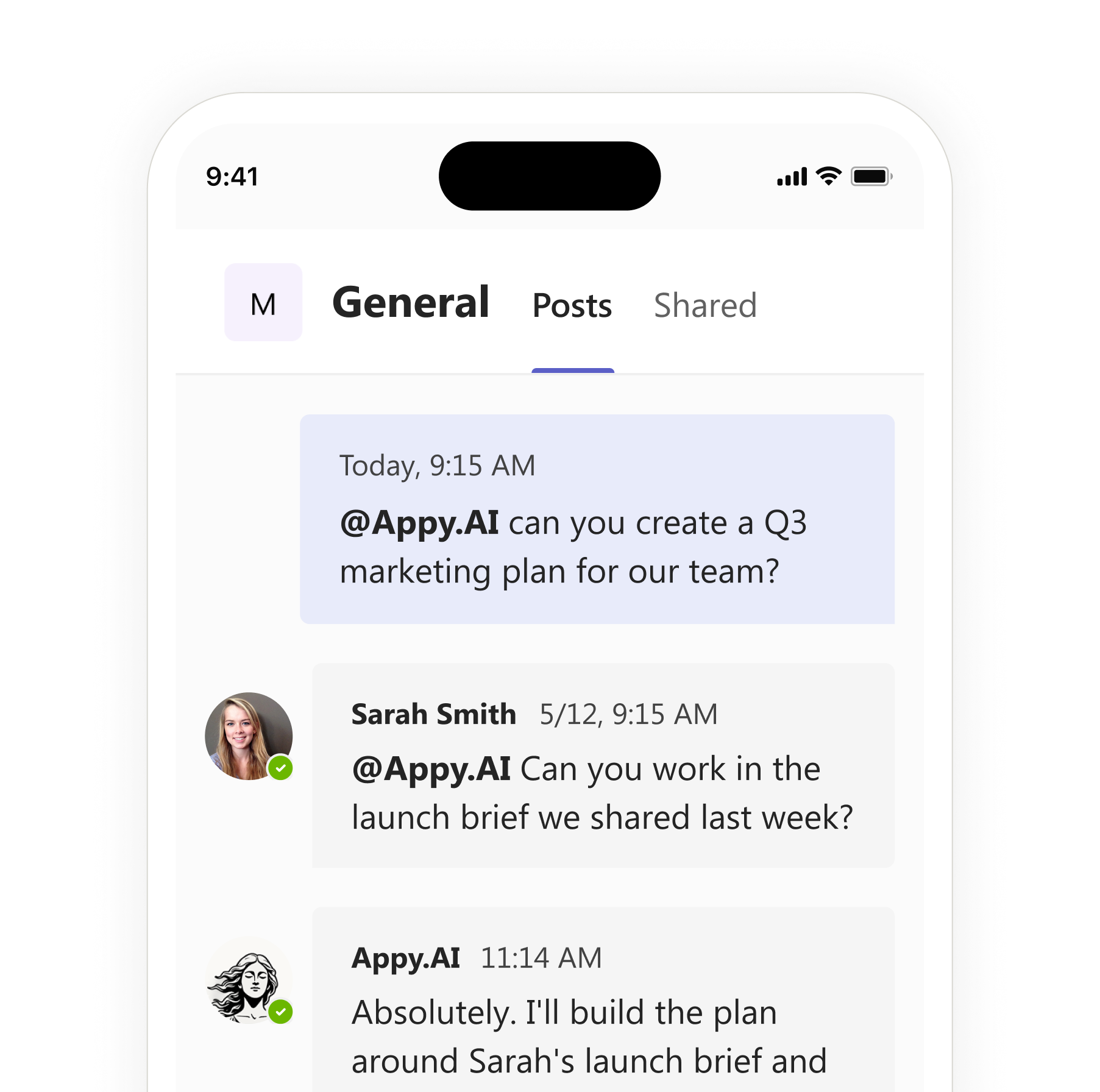
Tag @Appy AI in your team's public or private channels. Teammates see it work and join in. No training required.
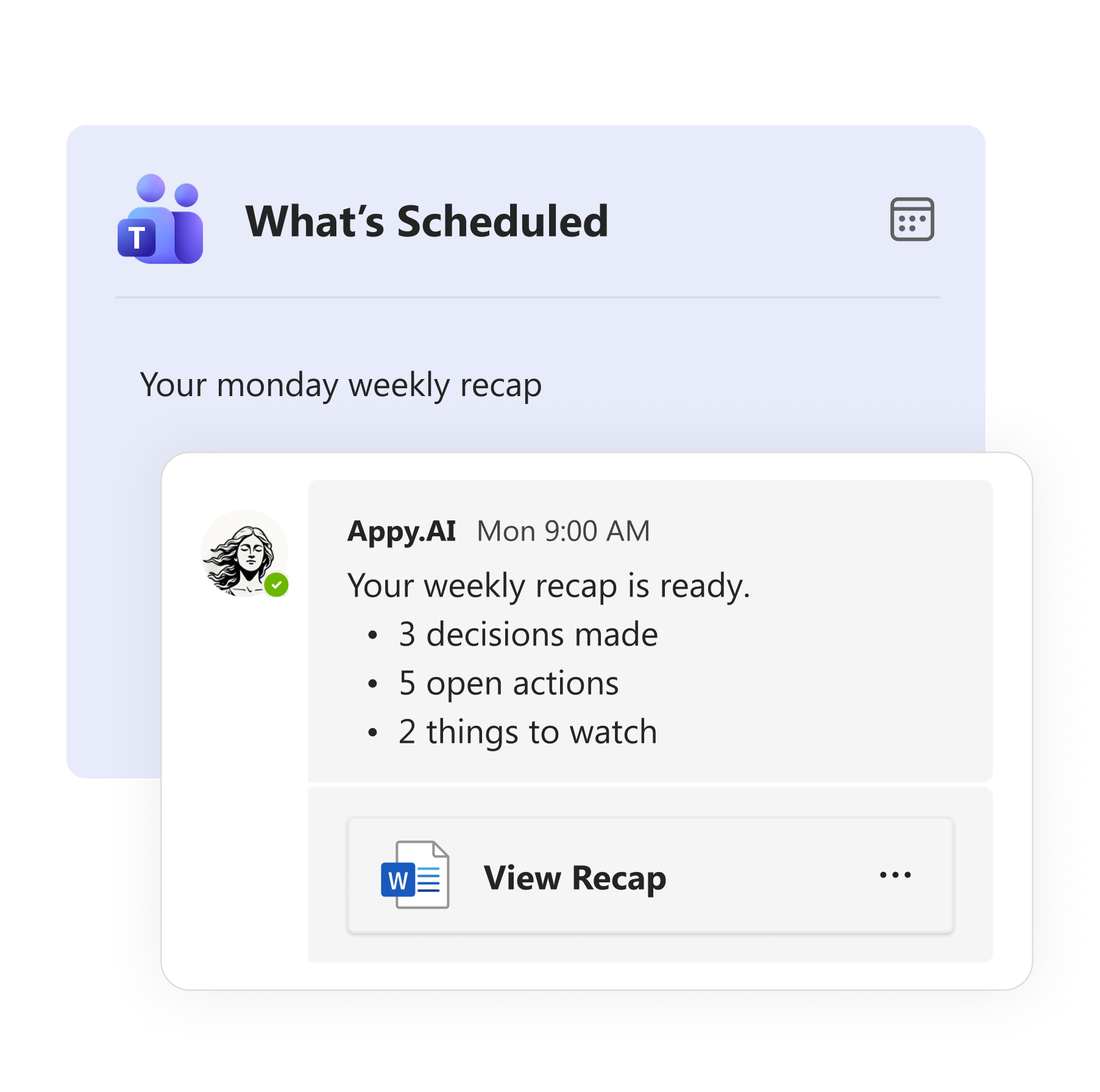
AI that works before you ask
Set up a weekly recap in one message. Violet posts it every Monday morning. No reminders, no chasing.
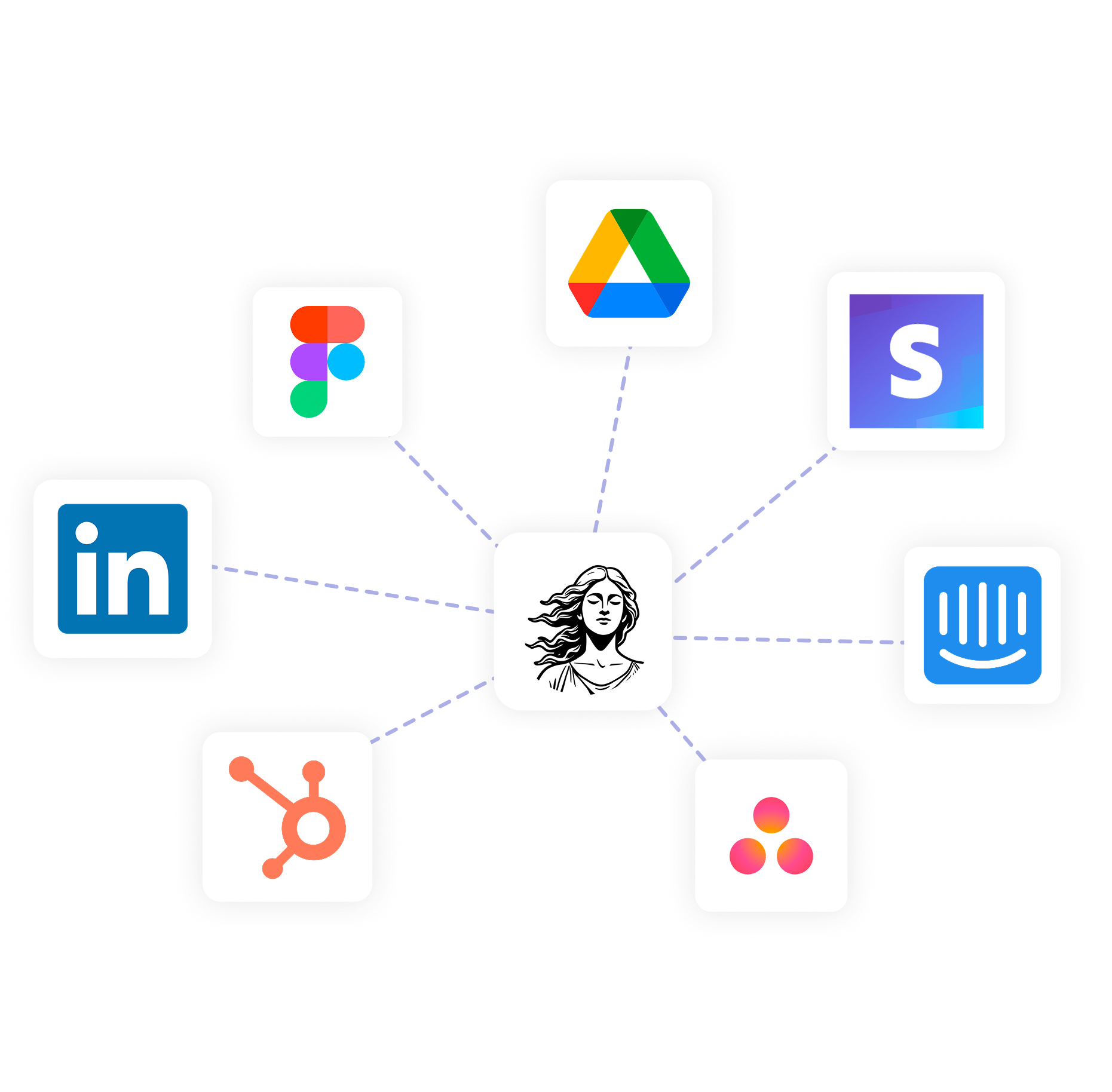
AI that knows your business
Connect tools, share files, chat. Violet will learn your business and remember. Less explaining, more doing.
How it works in Microsoft Teams
Add Appy.AI to Teams
Install in a click, then invite Appy.AI into the channels where your team already works.*May require admin approval
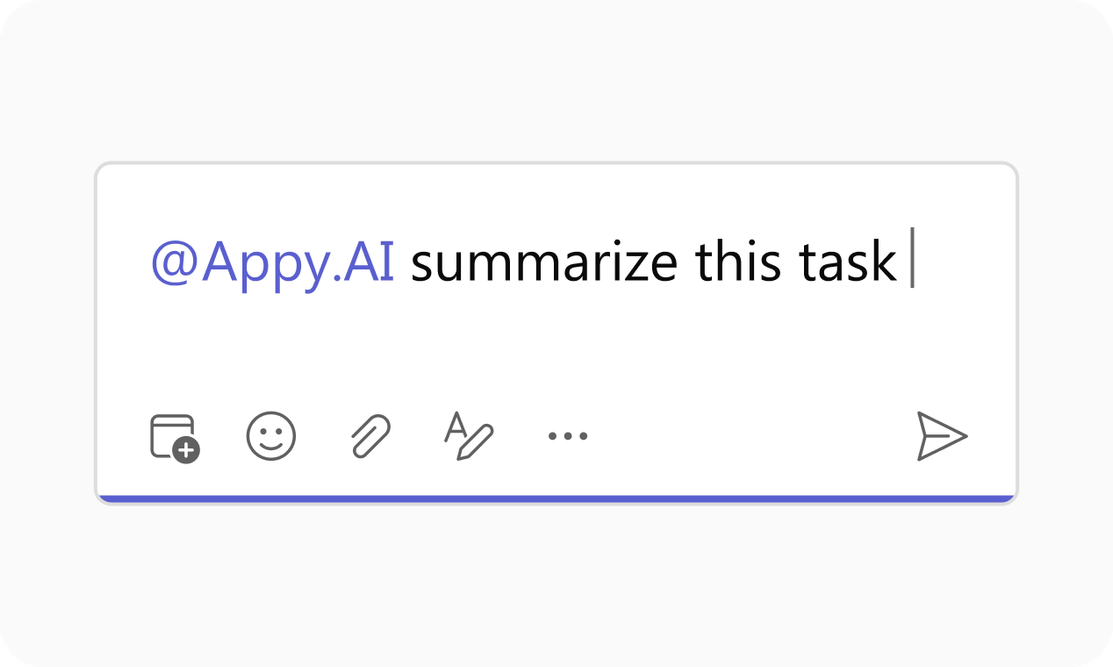
@mention or DM to ask
Tag Appy.AI in any channel or thread, or send a DM.
Your team in action
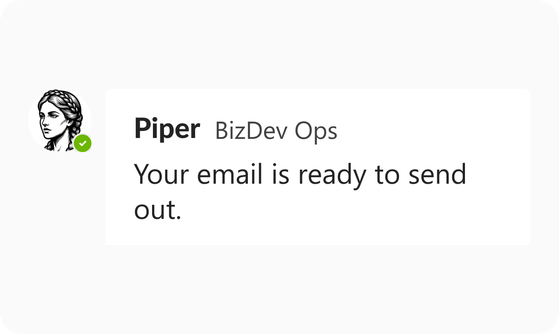
Violet hands the work to the specialist who fits, like Piper for outreach or Sage for finance.
What teams say about Appy.AI
Hear from people who put Appy to work with their teams.


"I love the product. I can't not use it now... something like this needs to be part of my daily communication."

"Because it's embedded where I work, it feels conversational, like I'm interacting with my team"

"When the specialists go to work, it's going to be better than Chat. It's closer to client ready."

Secure by design
Never used for training
Your data is never used for model training by Appy.AI or our vetted sub-processors.
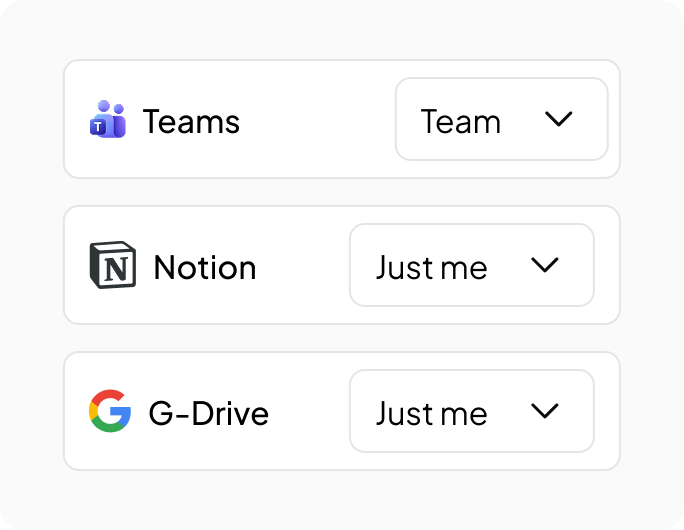
You choose what's shared
Connect tools for just yourself or the whole team. Personal stays personal.
ISO 27001 certified
Independently audited. GDPR and HIPAA compliant. SOC2 in progress.
Put Violet to work in Microsoft Teams
Connect Microsoft Teams and bring Violet and her specialists into the conversations where your team works.
Add Violet to Teams