

Before every reminder, and once a day, Violet checks who's paid. The moment someone does, their reminders stop and you get a text. Your books stay untouched.
Text Violet in iMessage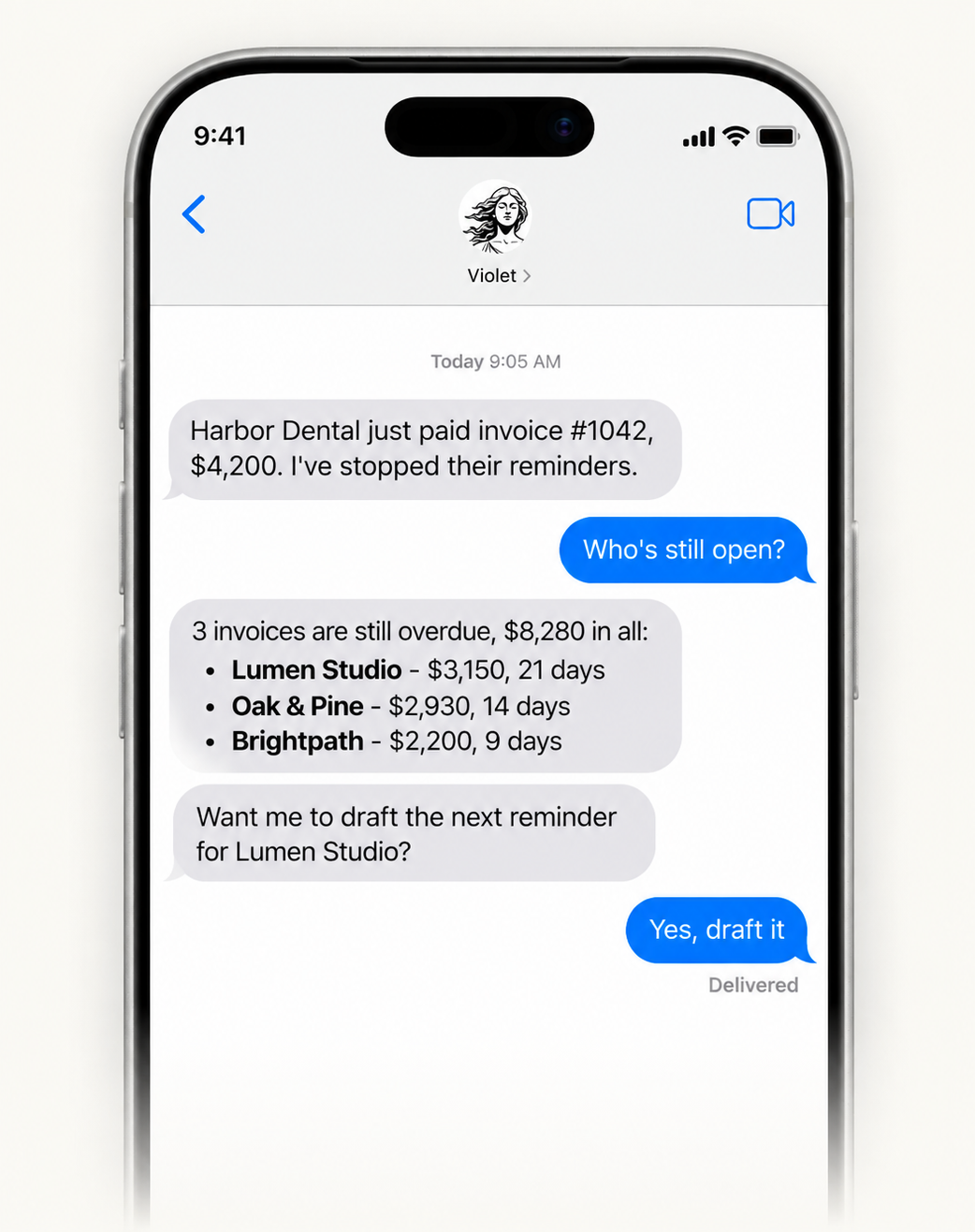
Works with invoicing tools you already use
 QuickBooks
 Xero
 Gmail
 Outlook
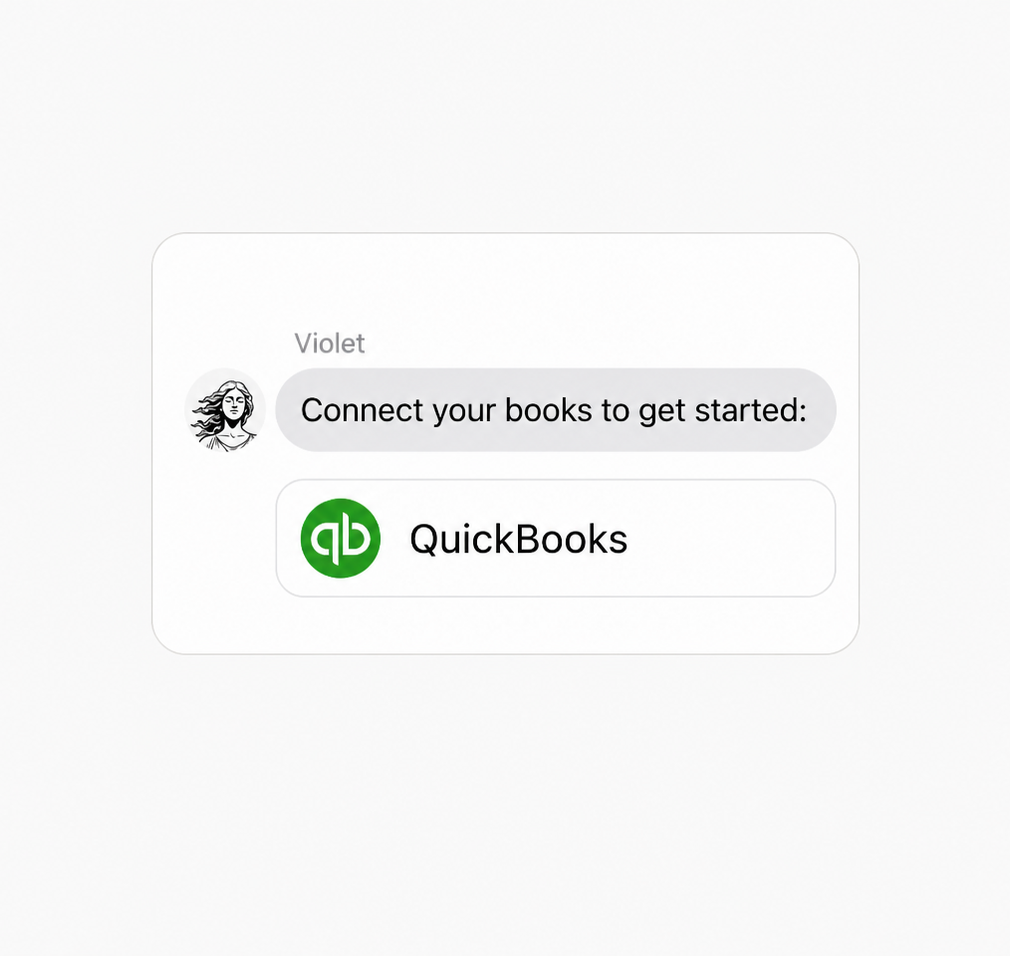
Sign up free and connect QuickBooks or Xero, plus the email you send invoices from. Nothing new to learn.
Ask in plain words, like "who's overdue" or "send Dana's reminder." She confirms before anything goes out.
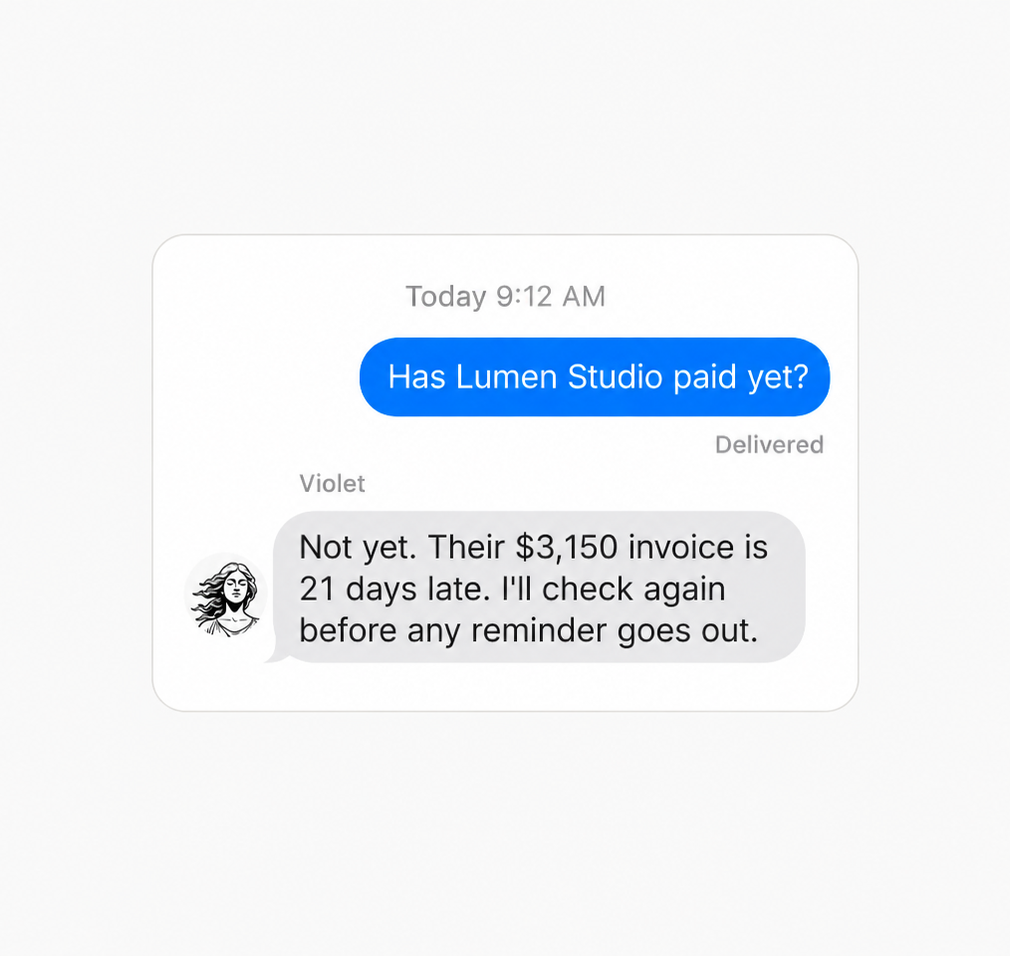
From then on, she keeps checking and texts you as invoices age or get paid. Want it done differently? Just text her.
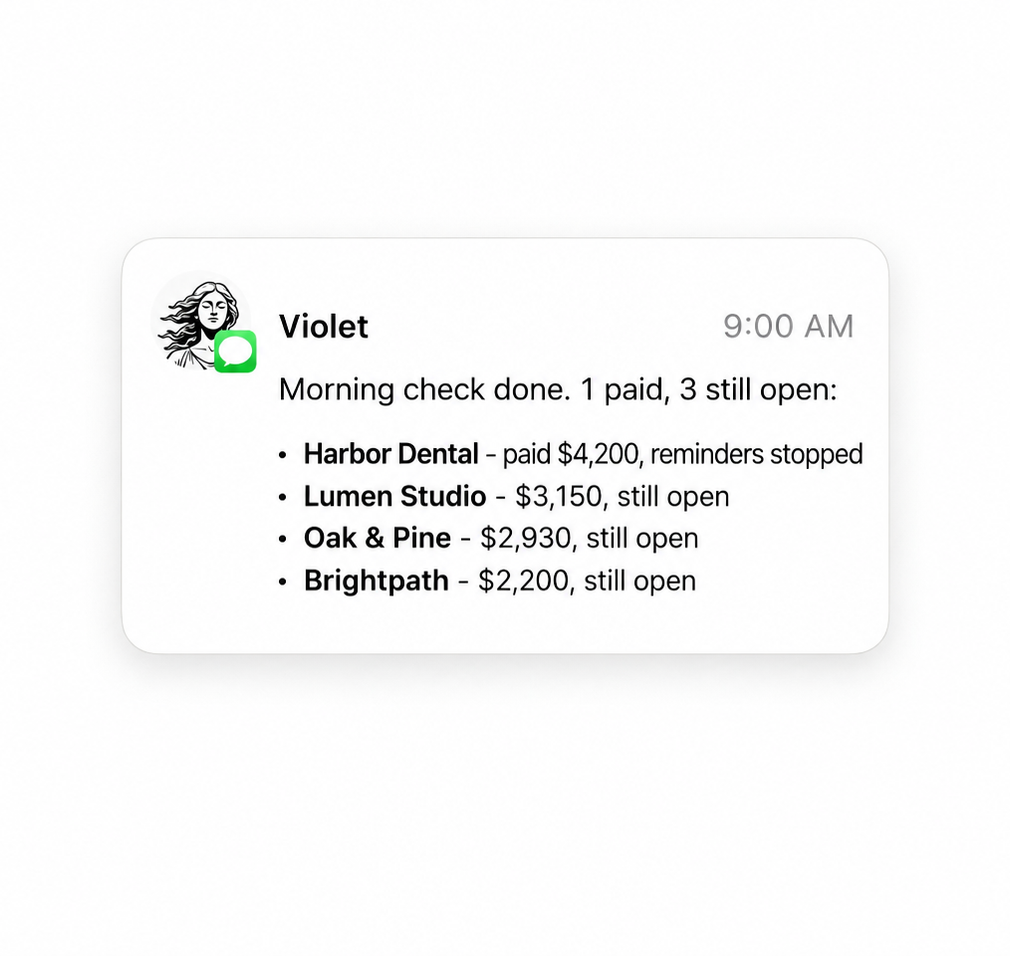
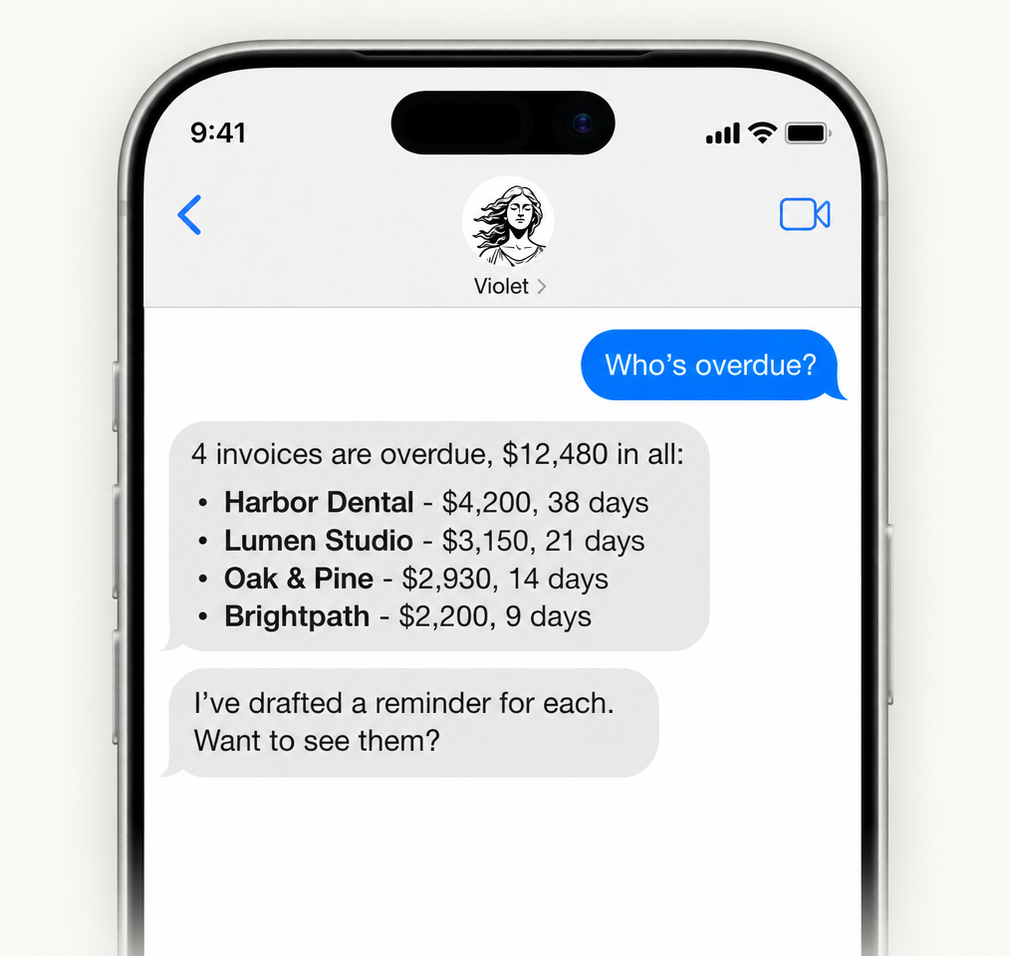
Violet finds who's overdue, drafts reminders in your tone, and texts you when they pay. Approve every send by text.
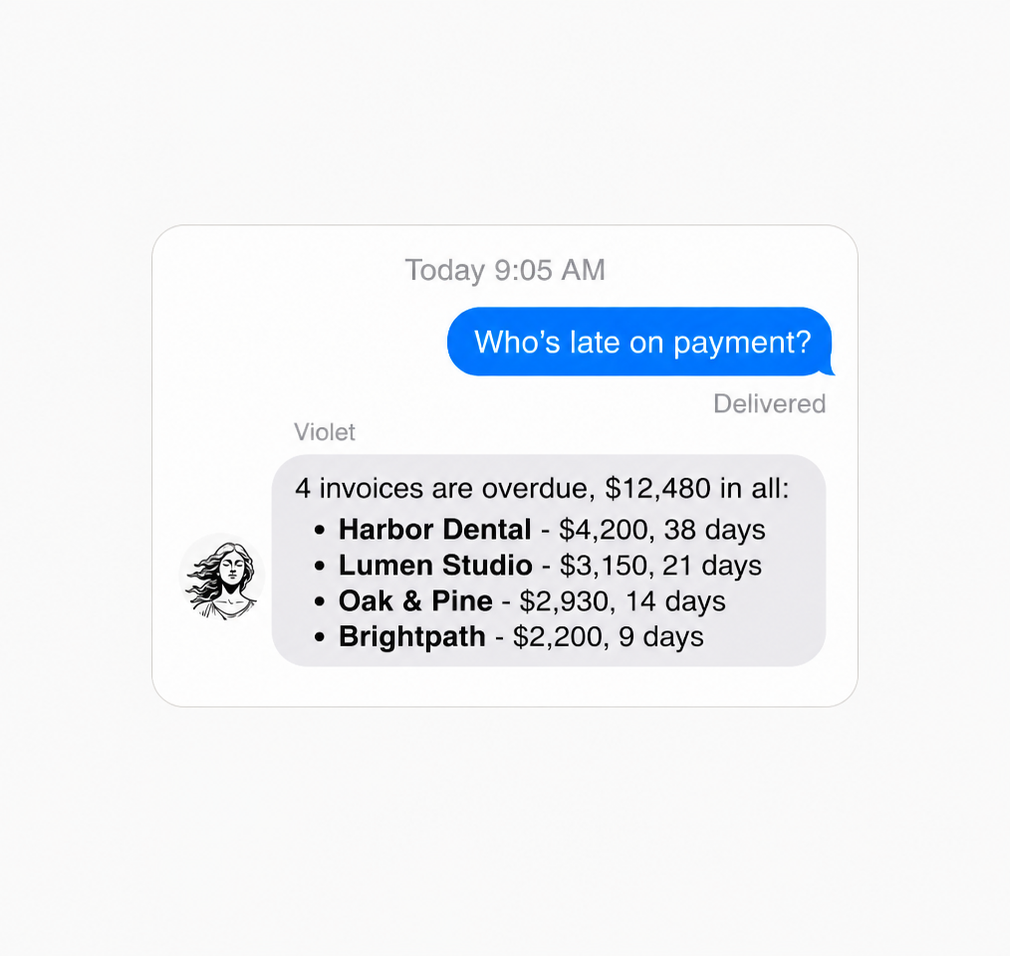
Text Violet asking who's late. She lists every overdue invoice, amount and days owed. No more guessing in QuickBooks.
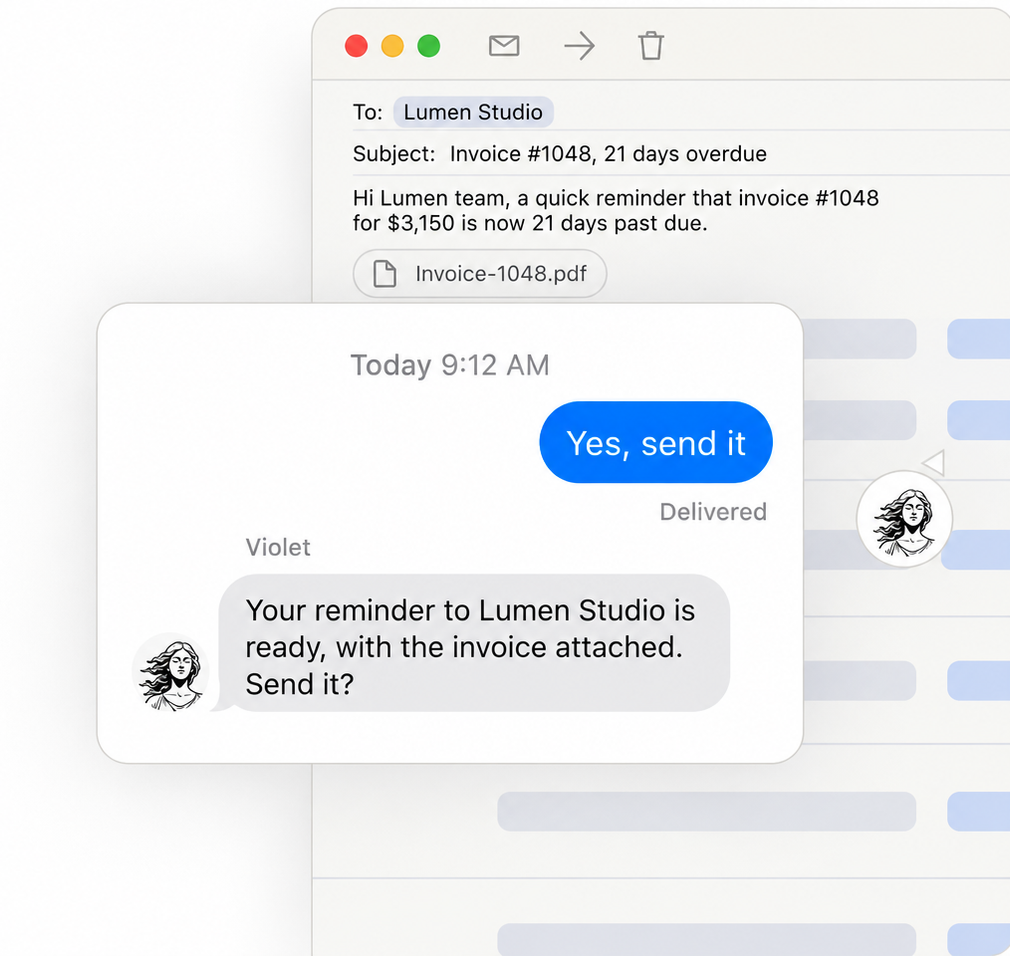
Text Violet to chase an overdue invoice. She drafts the reminder in your tone, ready to send. You text yes before it goes.
Your data is never used for model training by Appy.AI or our vetted sub-processors.
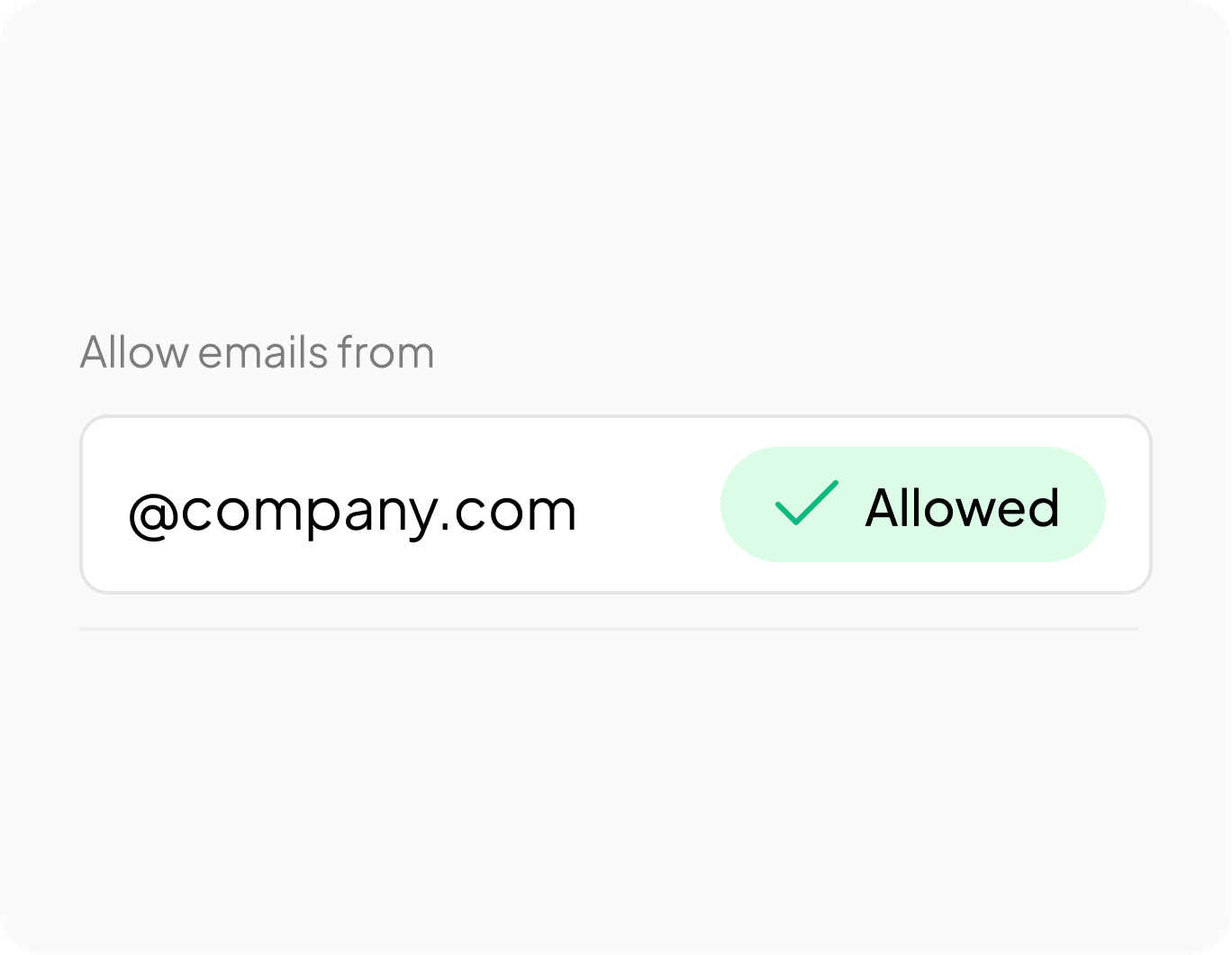
Violet answers only the domains and addresses your admin allows.

Independently audited. GDPR and HIPAA compliant. SOC2 in progress.
01/03
QuickBooks' reminder stops after one email, and the follow-up after that is on you. Violet keeps going: she watches who's still overdue, drafts the next reminder in your tone, and lets you know the moment someone pays.
No. Violet reads your QuickBooks or Xero to see who's overdue and who's paid, but she never edits an invoice or writes anything back. Nothing is deleted either.
No. Every reminder waits for your text before it sends. You'll see the draft, the client and the amount first, every time.
Before every reminder goes out, and once a day on top of that. It isn't instant, so there's sometimes a short gap before she notices a payment, but no reminder sends without a fresh check first.
Yes. Connect your books and email just for your business, and they stay private. Your data is never used to train AI models, by Appy.AI or our vetted sub-processors.
Free to start, no card needed. Text Violet who owes you, and she takes it from there.
Text Violet in iMessage