Your shared reference library is here — pricing sheets, product docs, and policies your agents actually work from. Upload once, and your entire workspace draws on it forever.

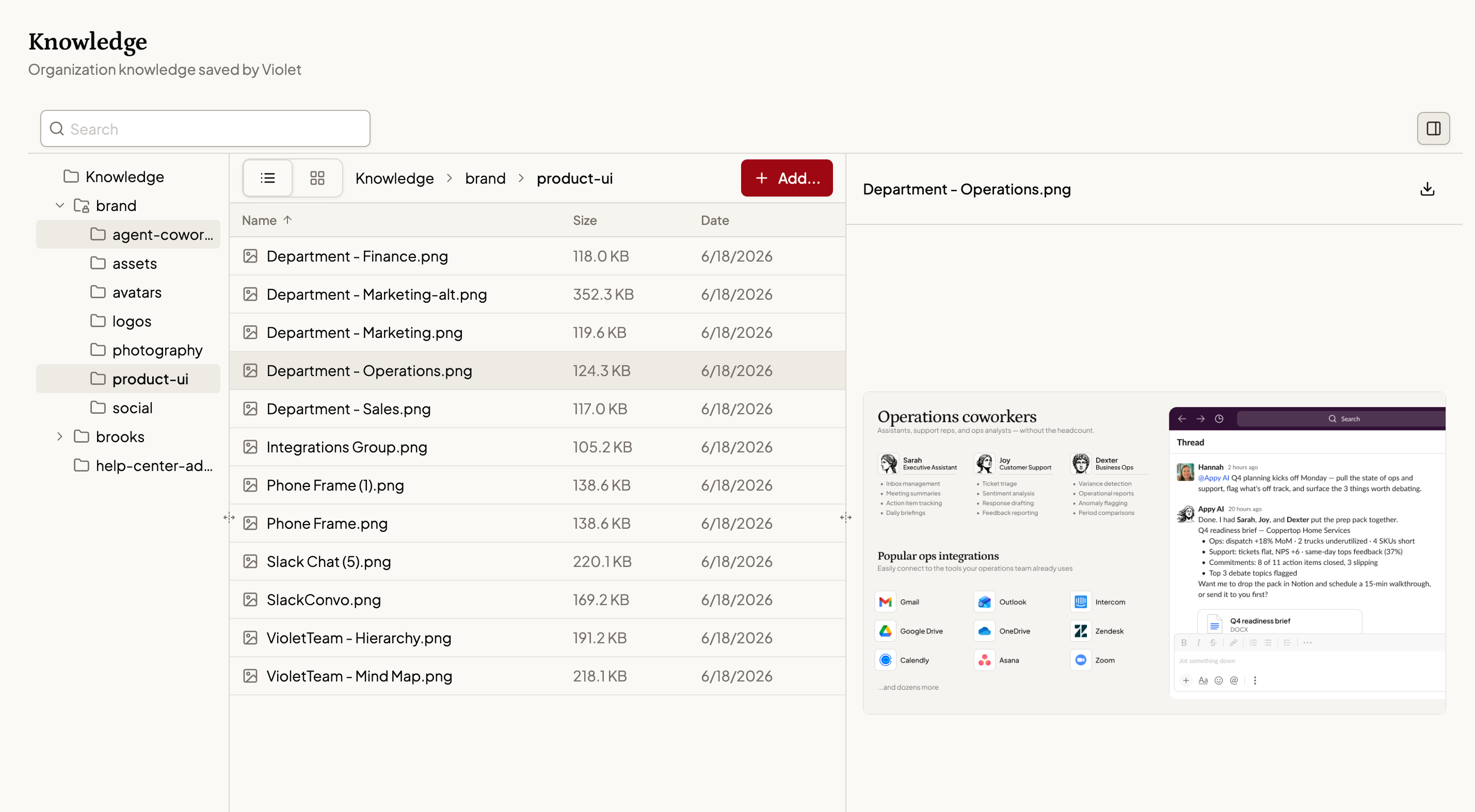
The pricing sheet. The product one-pager. The customer FAQ. Every time you hand a task to an agent, you spend ten minutes briefing it — not because the work is hard, but because the context has to travel with the request.
Your real competitor isn't another tool. It's the briefing you give over and over.
Most of what you do with AI today is stateless. You get a great answer. Next task, you start from zero. The agent doesn't know your prices, your product, or your policies — unless you tell it again.
The standard fix is a knowledge base: a separate tool, a setup project, a wiki that someone has to remember to maintain. It works right up until nobody updates it.
We asked a different question. What if your documents only had to be shared once — with everyone, forever?
Knowledge is a single library that every agent in your workspace can draw on.
Put a document in — a pricing sheet, a product one-pager, a policy doc, a customer FAQ — and it's available to every agent on your team from that moment on. When a task calls for it, the agent doing the work pulls the reference it needs. Proposals quote your real prices. Reports describe your actual products.
It's not another tool to adopt or a wiki to babysit. It's one page, organized like the folders you already use, holding the documents your agents work from.
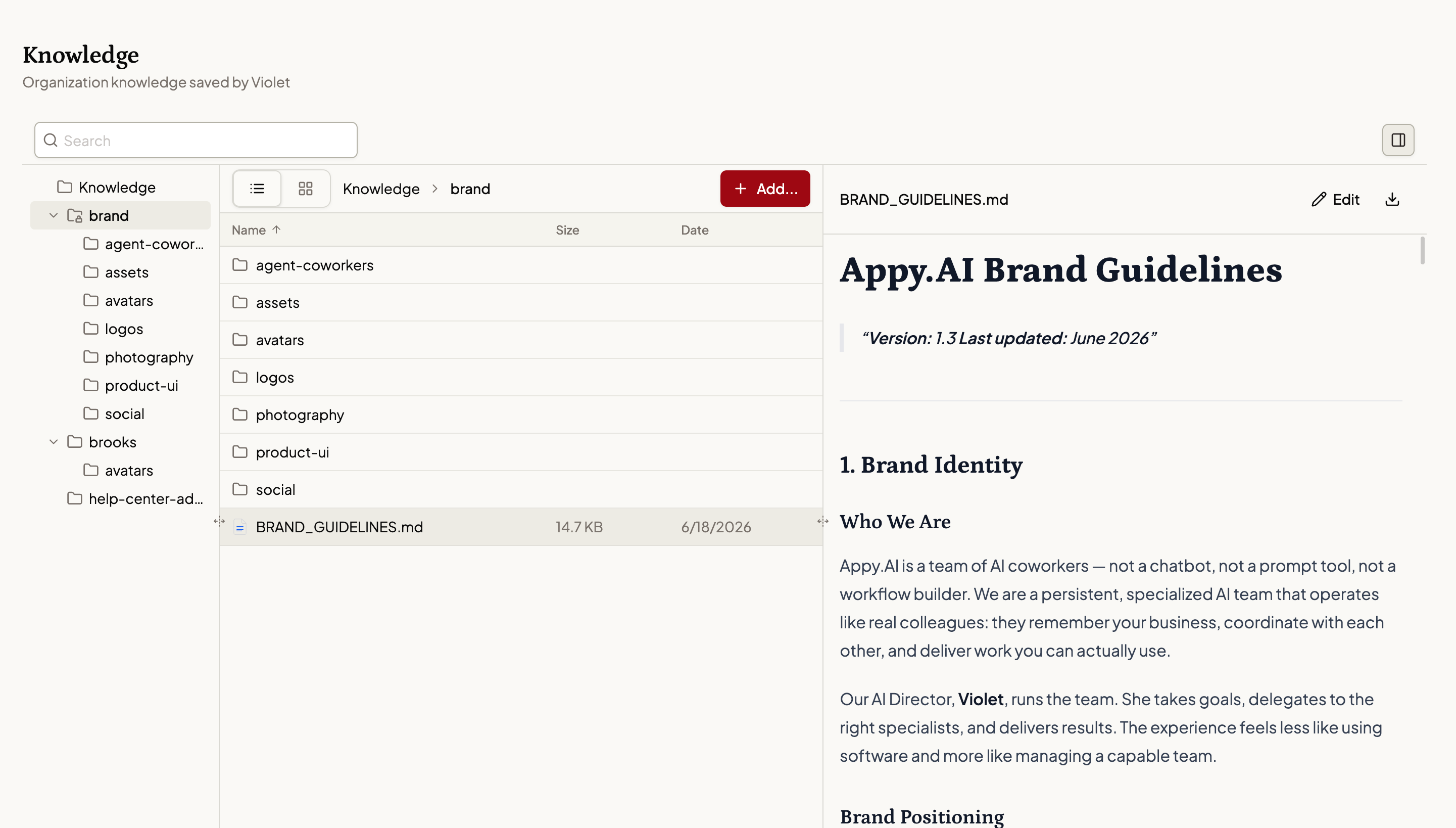
You're in control. Nothing gets in unless your team puts it there. What your agents reference is exactly what you chose — no mystery sources, no hallucinated details.
One library, the whole roster. Add a document once and every agent in your workspace can use it — today's agents and the ones you add later. No per-tool configuration. No re-uploading.
In plain sight, fixable in seconds. The whole library is ordinary files and folders on one page. Open a file, fix a detail, save. New pricing on Monday means every agent references the new pricing on Monday.
Open Knowledge in your workspace. It works like the folders you already know.
You can also hand a file to Violet in a conversation and ask her to save it to the library. Handy when a useful document comes up mid-task.
Admins own the library. The Knowledge page is theirs to curate, so there's an editor of record, not a free-for-all. Everyone else benefits — any teammate's tasks can draw on what's been filed, no briefing required. Agents read the library but can't change it — what's in there is exactly what your team put there.
Related Updates
Add it once. Every agent can use it. Open Knowledge