Drop in a PDF, Word doc, spreadsheet, or CSV — your agent reads it instantly and answers the question you actually have.

A 40-page contract is open on your screen, and all you need is the one clause about renewal terms. You scroll. You hit find-on-page. You scroll some more, skimming headers for a word you're fairly sure is in there. Five minutes later you're on page 28 and still not certain you didn't miss it.
The answer was in the document the whole time. Reaching it was the chore. So you put it off, and the contract sits open in a tab until it turns urgent.
What if you could just ask? Drop the file in, ask your question in plain words, and get the clause, the number, or the summary back — without opening the document at all.
Key Takeaways
Your agent reads the whole document so you don't have to. The moment you drop in a file, it pulls out the text and numbers and is ready for your question. No scrolling, no skimming, no find-on-page.
Ask for exactly what you need. "What's the renewal date in this contract?" "What was total revenue last quarter in this report?" "Which line items on this invoice run over $500?" Your agent goes straight to the answer and hands it back in plain words.
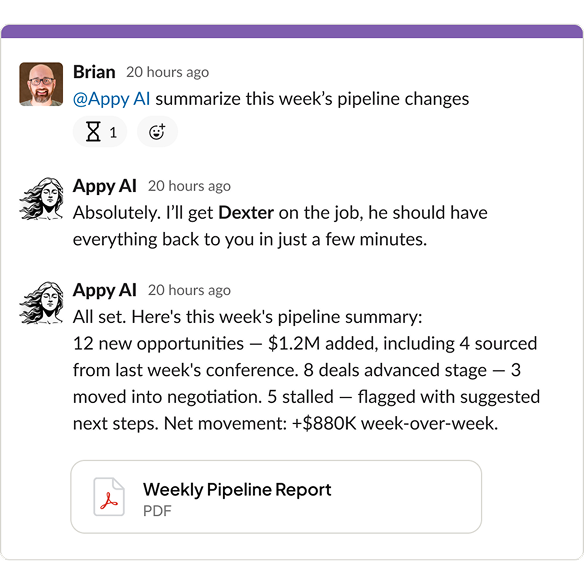
When you need the whole picture instead of one figure, your agent gives you the gist. Hand it a dense report or a multi-page agreement, ask for the key points, and it boils the file down.
A 40-page document becomes a short briefing. You get the highlights, the terms that actually matter, and the spots worth a closer read — fast enough to skim before you walk into the meeting it's for.
Your agent isn't fussy about format. PDFs, Word documents, Excel spreadsheets, CSV exports — the file types real business runs on, all read the same way.
That covers the everyday stack. Contracts and reports as PDFs or Word files. Invoices and financials as spreadsheets. Data dumps and exports as CSVs. Drop in whatever landed in your inbox and ask away.
What file types can my agent read?
PDFs, Word documents, Excel spreadsheets, and CSV files — the formats most business documents arrive in.
Can it pull out a single number or clause?
Yes. Ask for one specific figure or term and your agent finds it, instead of leaving you to hunt through the pages.
Does it work on long documents?
It does. Your agent can boil a long report or contract down to the key points, so you skip reading every page.
Do I have to re-upload the file for each question?
No. Once your agent has read a document, you can keep asking follow-ups in the same chat.
Stop scrolling through 40-page files for one figure. Drop the document in, ask your question, and let your agent do the reading. Learn more in the Help Center